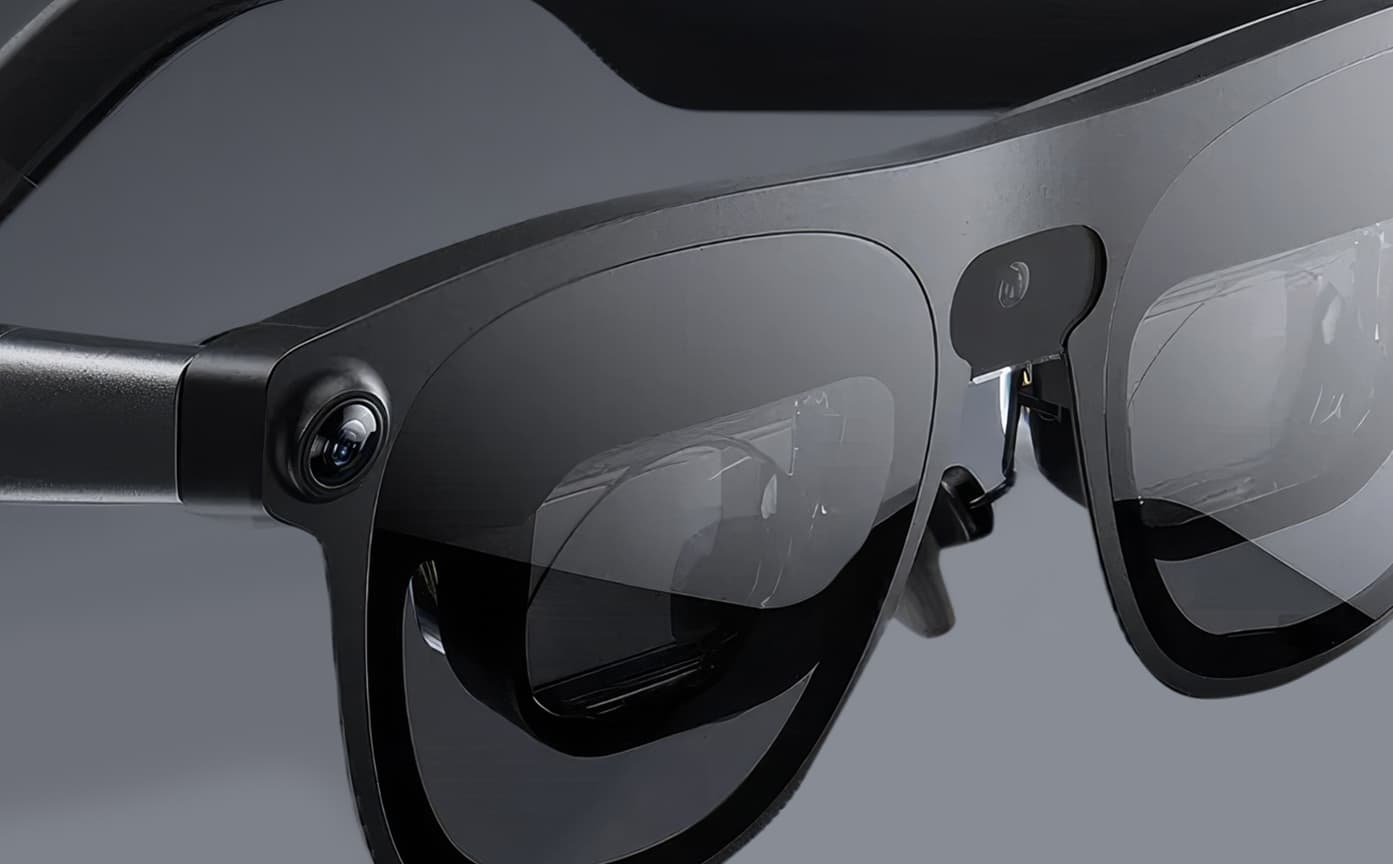




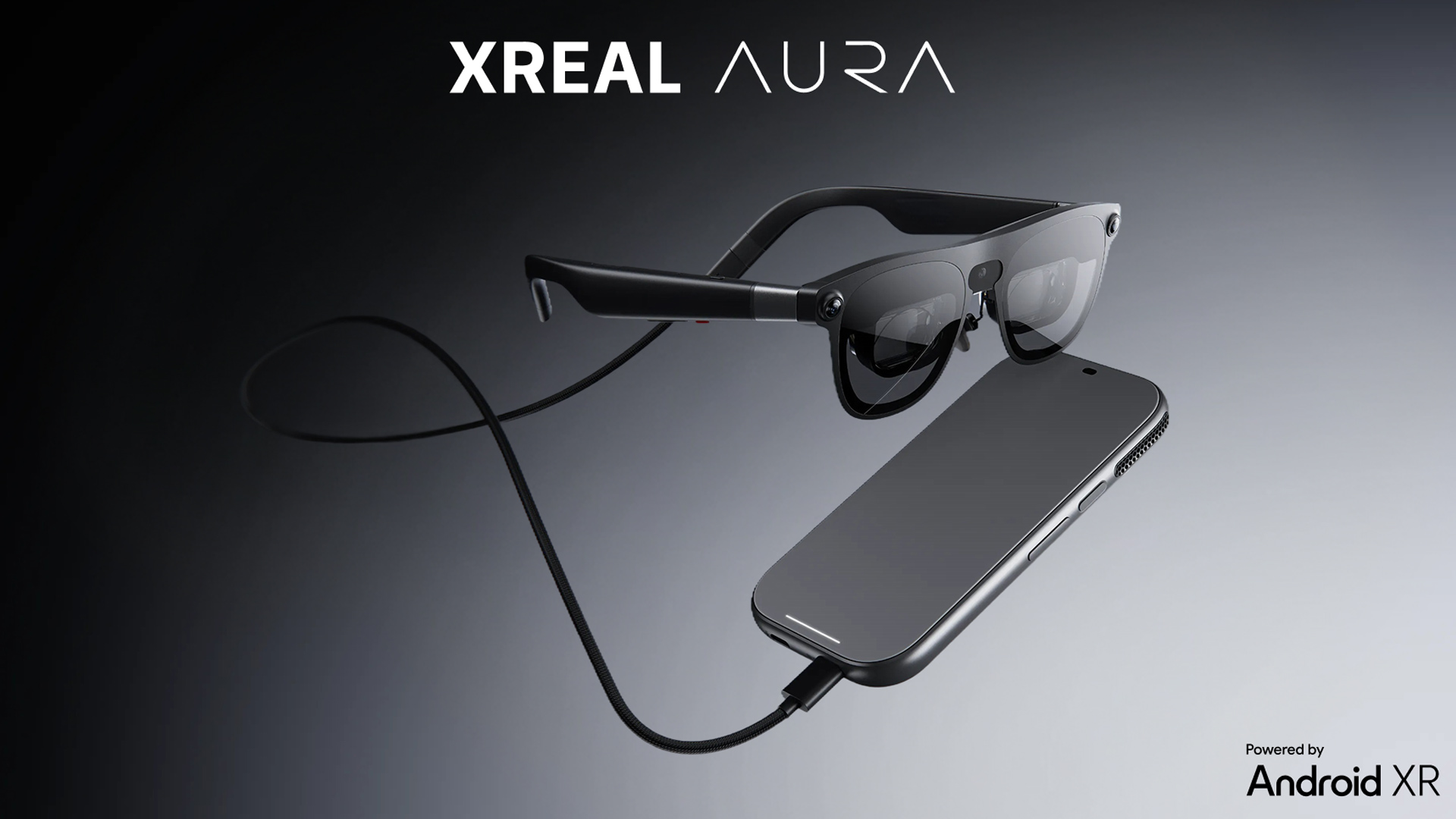
At Groove Jones, we have the new XREAL AURA in our hands and are already putting real WebXR and Android experiences through their paces to confirm the capabilities and power of the hardware for our clients. We’ve used a dynamic 3D WebGL car configurator we produced for a client as well as a few Unity based Apps. Putting the hardware through the paces to confirm capabilities, understanding the usability, and pushing the limits of high polygon 3d models and interactions.
The results have us thinking beyond a single device demo: how can a product, an instruction, or an AI assistant become more useful when it appears in the wearer’s physical space? This is an early look at what we found.
What Makes AURA Interesting to Developers?
The XREAL AURA runs on Android XR running on a separate compute puck that houses the main processor and battery, keeping much of the hardware off the wearer’s face. This is the best choice for the future of AR glasses and gives it the power it needs to beat any on-device processors, which often makes the glasses too heavy for long term use.
XREAL lists a Snapdragon Reality Elite platform in the puck and an X1S spatial coprocessor in the glasses. Karim Youssef, our Executive Creative Director, has led this exploration with the Groove Jones team. In our early tests, the glasses felt easier to wear than a conventional AR/VR headset. The display is optical see-through: the wearer sees the real world directly through the lenses rather than through a camera feed, with digital content layered into view.
XREAL specifies a 70-degree field of view, Sony Micro-OLED displays at 1920 × 1200 pixels per eye, and refresh rates up to 120 Hz. The sharpness stood out as soon as we put the glasses on. Five levels of electrochromic dimming change how much surrounding light comes through, so we could keep the room visible for an augmented reality experience or increase the dimming to focus on an immersive VR scene.
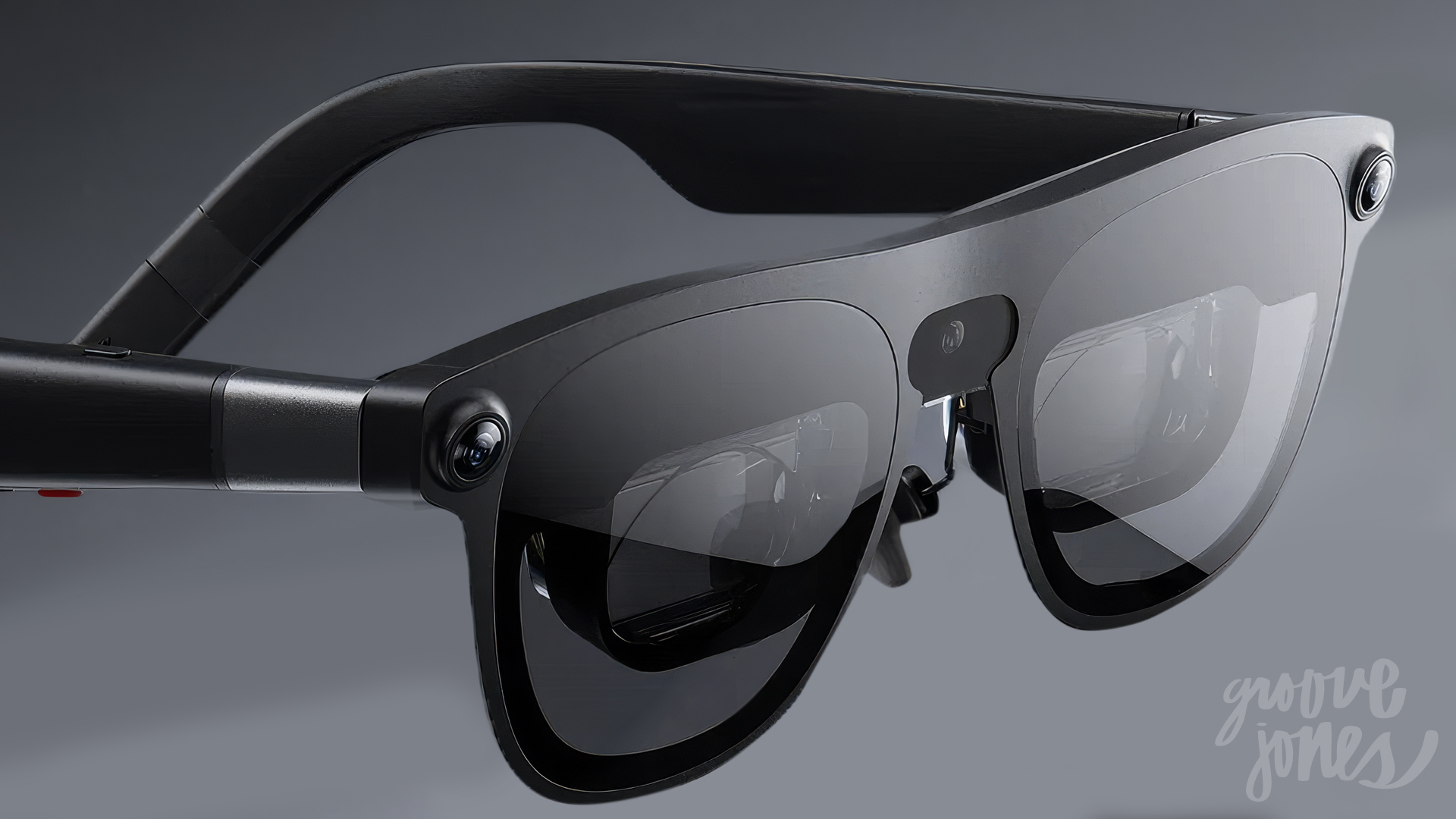
The recent reveal of Meta VR Glasses makes that difference especially timely. Meta’s VR Glasses show the surroundings through full-color camera passthrough. With AURA, we look directly through the lenses at the room and can adjust their transparency as an experience shifts toward immersion. That gives us an appealing range to design for: a product can sit in the physical space when someone needs awareness of the room, then take center stage in a more immersive view. We see particular promise in that direct view for experiences people use while working, learning, or talking with others.
The glasses also support six degrees of freedom (6DoF) tracking and hand tracking. In practical terms, 6DoF lets digital content stay positioned in a space as someone moves, while hand input gives developers a way to build interactions without a controller.
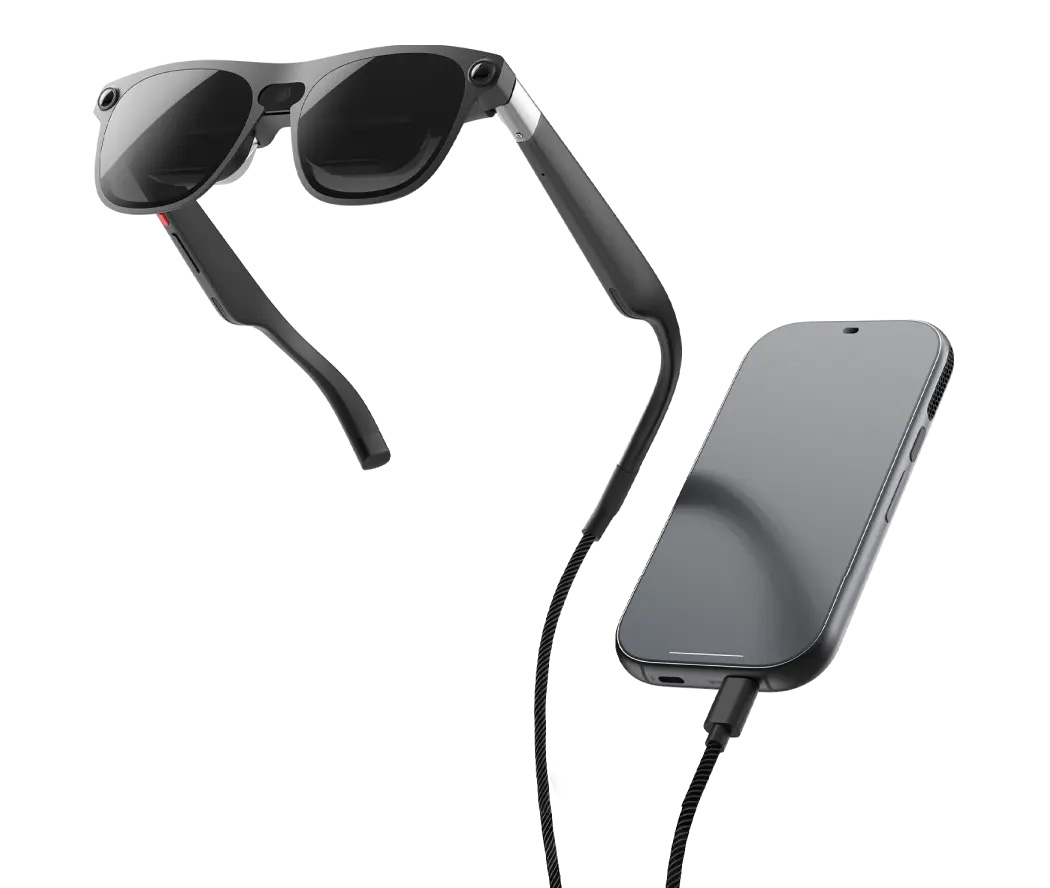
XREAL also lists voice input and a touchpad on the compute puck, giving designers several ways to handle navigation and selection. On the software side, XREAL lists Chrome, Google Play, and Gemini within AURA’s Android XR ecosystem. Those capabilities made AURA a useful test bed for both our browser-based and Android work. We have already begun work integrating AI powered voice experiences that proved extremely useful.
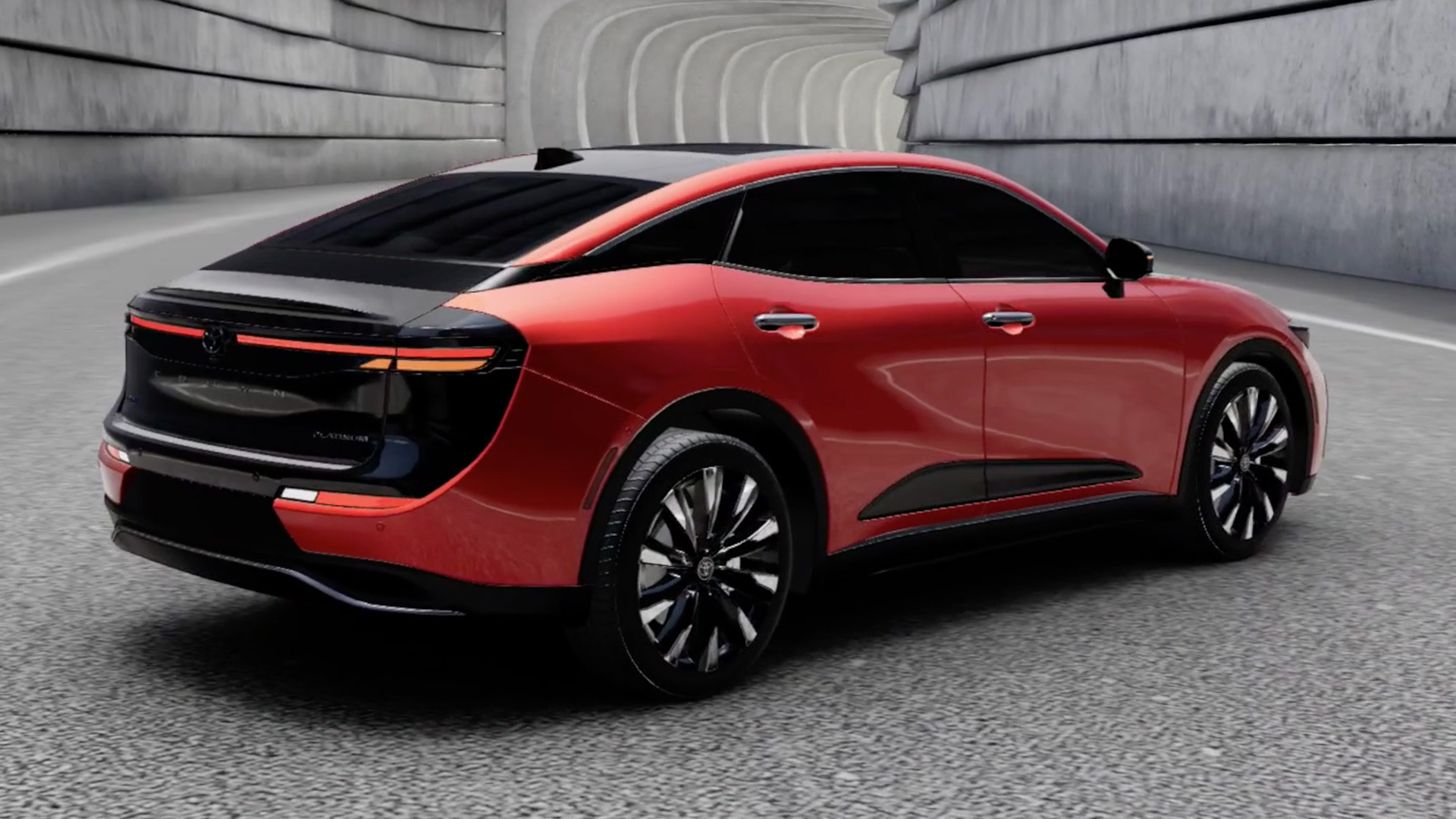
A Dynamic 3D Car Configurator on AURA
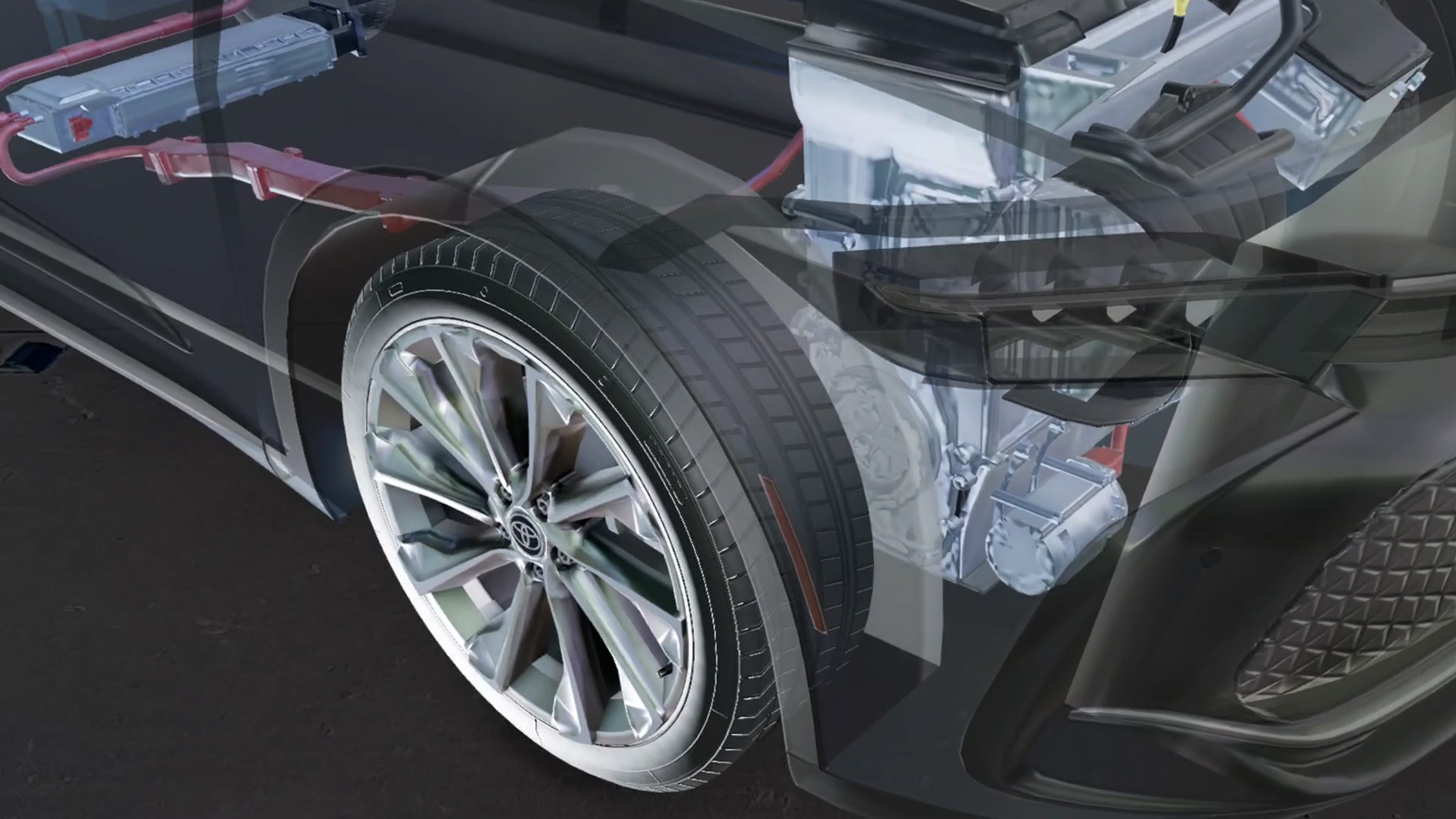
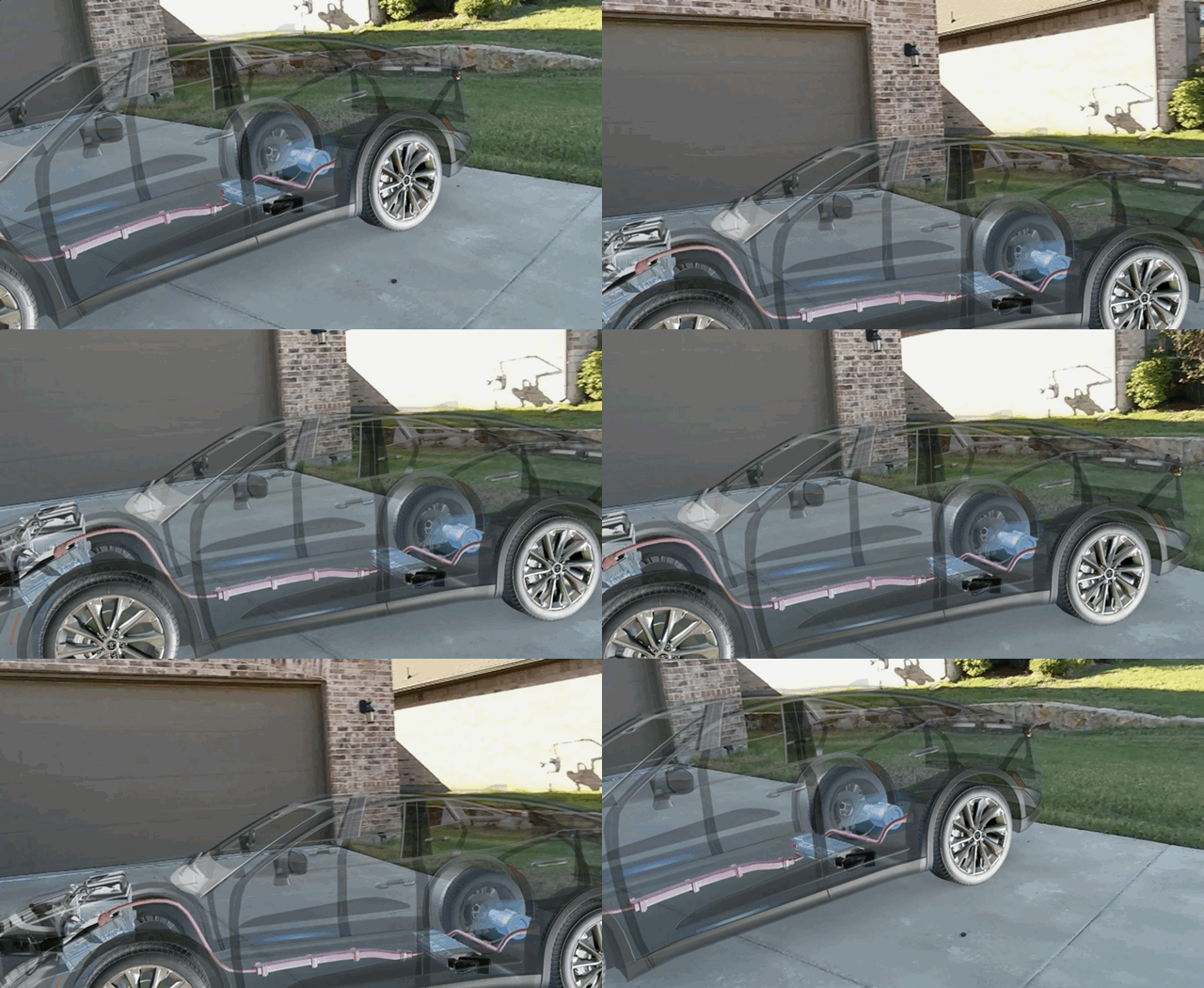
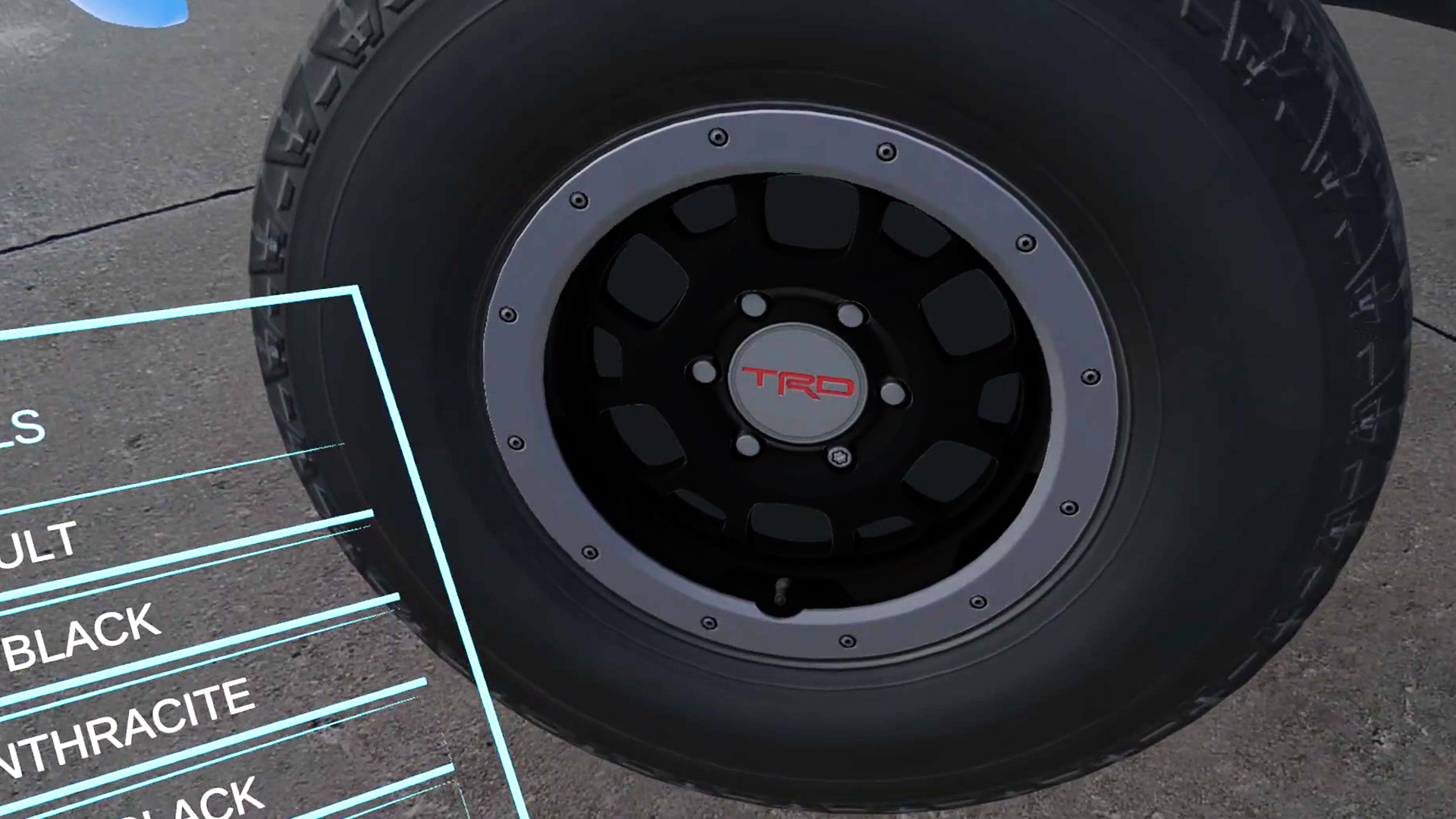
The Toyota Crown WebGL configurator, which Groove Jones produced for the brand, gave us a visually rich browser experience to test on AURA. It already supported WebXR, so we modified an immersive and an AR version of it that can be easily accessed through the Chrome browser on the glasses. Its original interaction was a desktop with mouse and keyboard controllers.
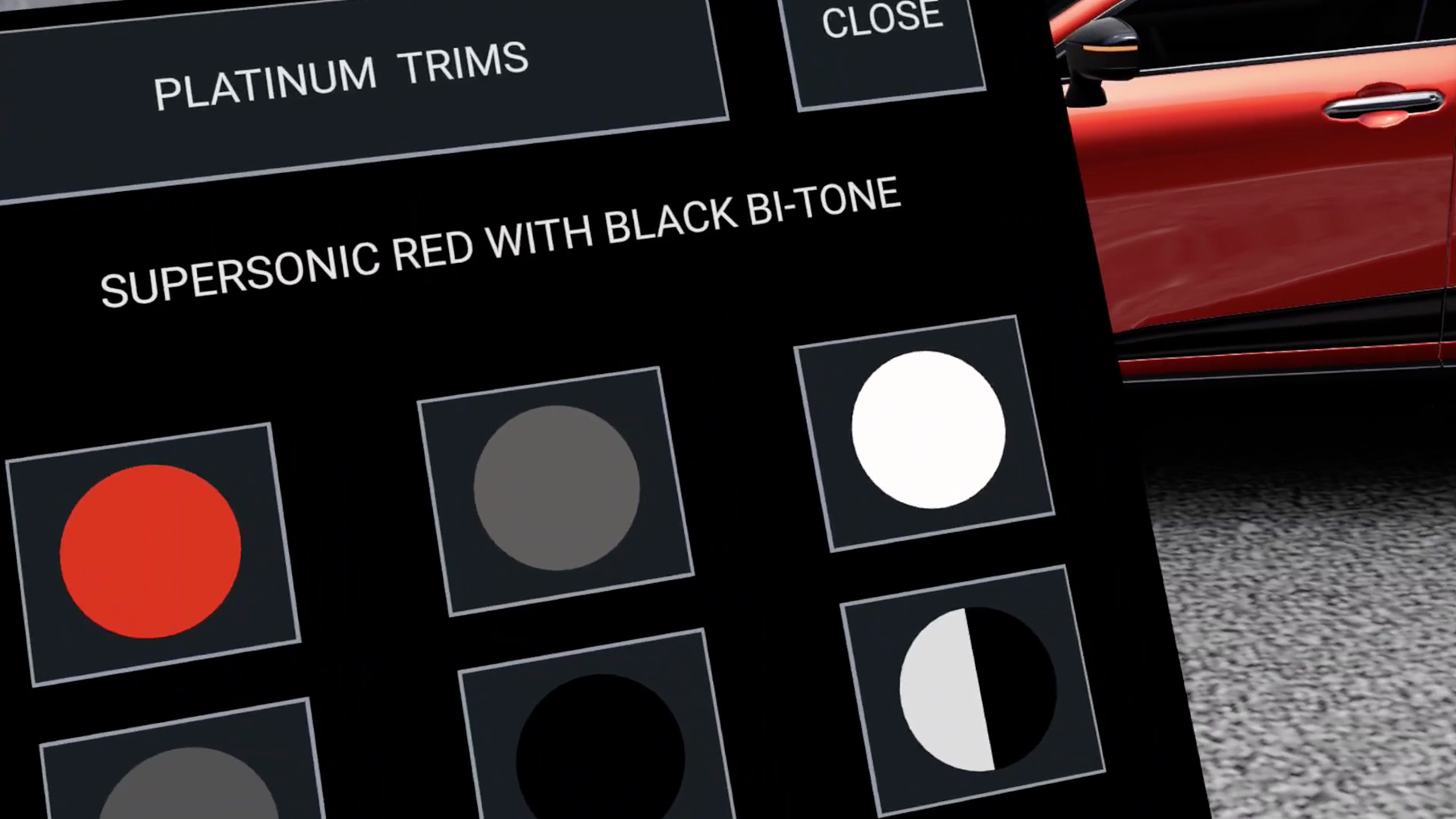
For the spatial version we added hand input so the same experience could respond to the wearer’s movements.
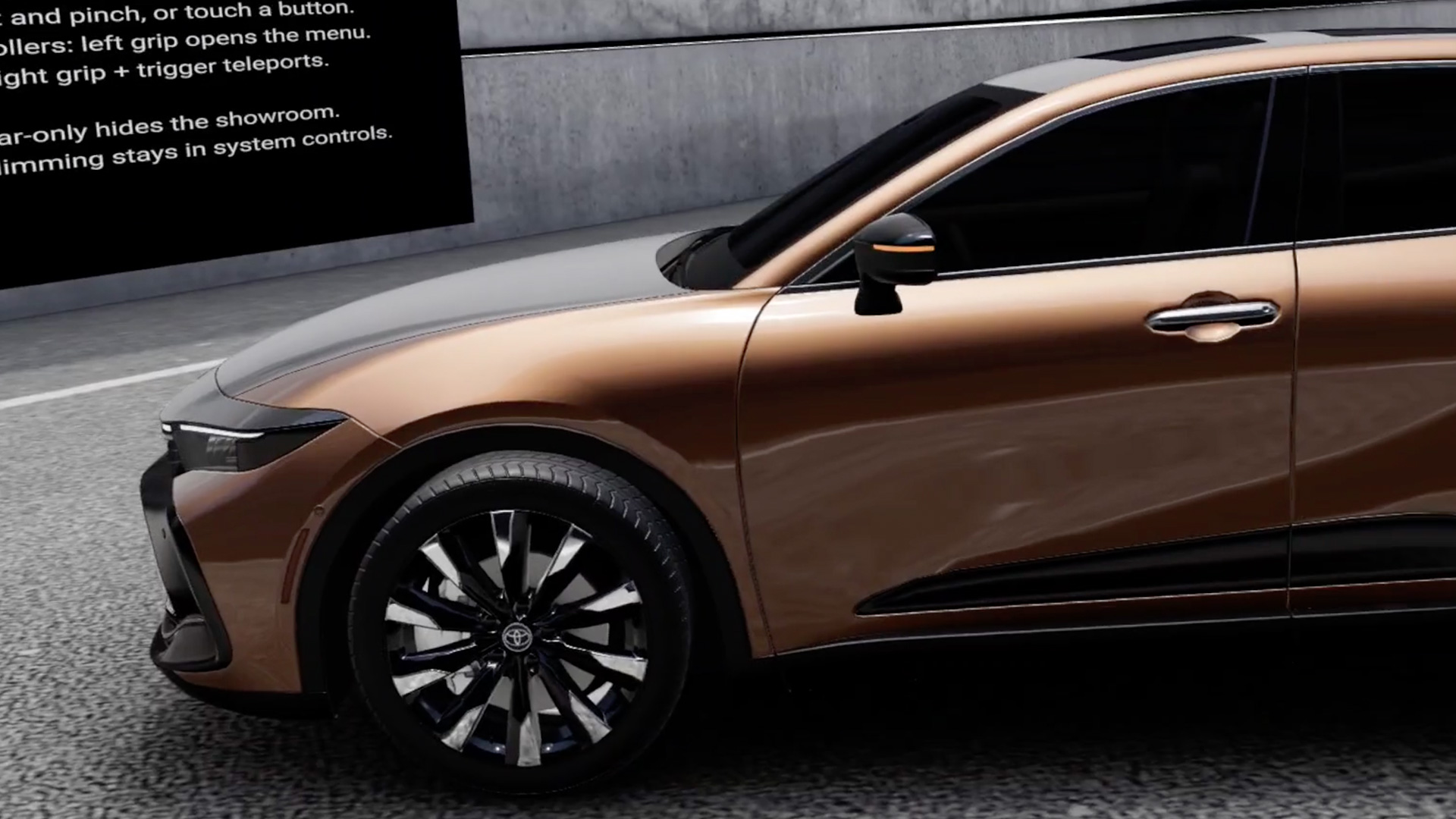
We also added a control toggle that removes the virtual background, keeping the car visible against the wearer’s surroundings. It demonstrates how a dynamic 3D product experience can move between an immersive setting and the customer’s own space while keeping the product at the center.
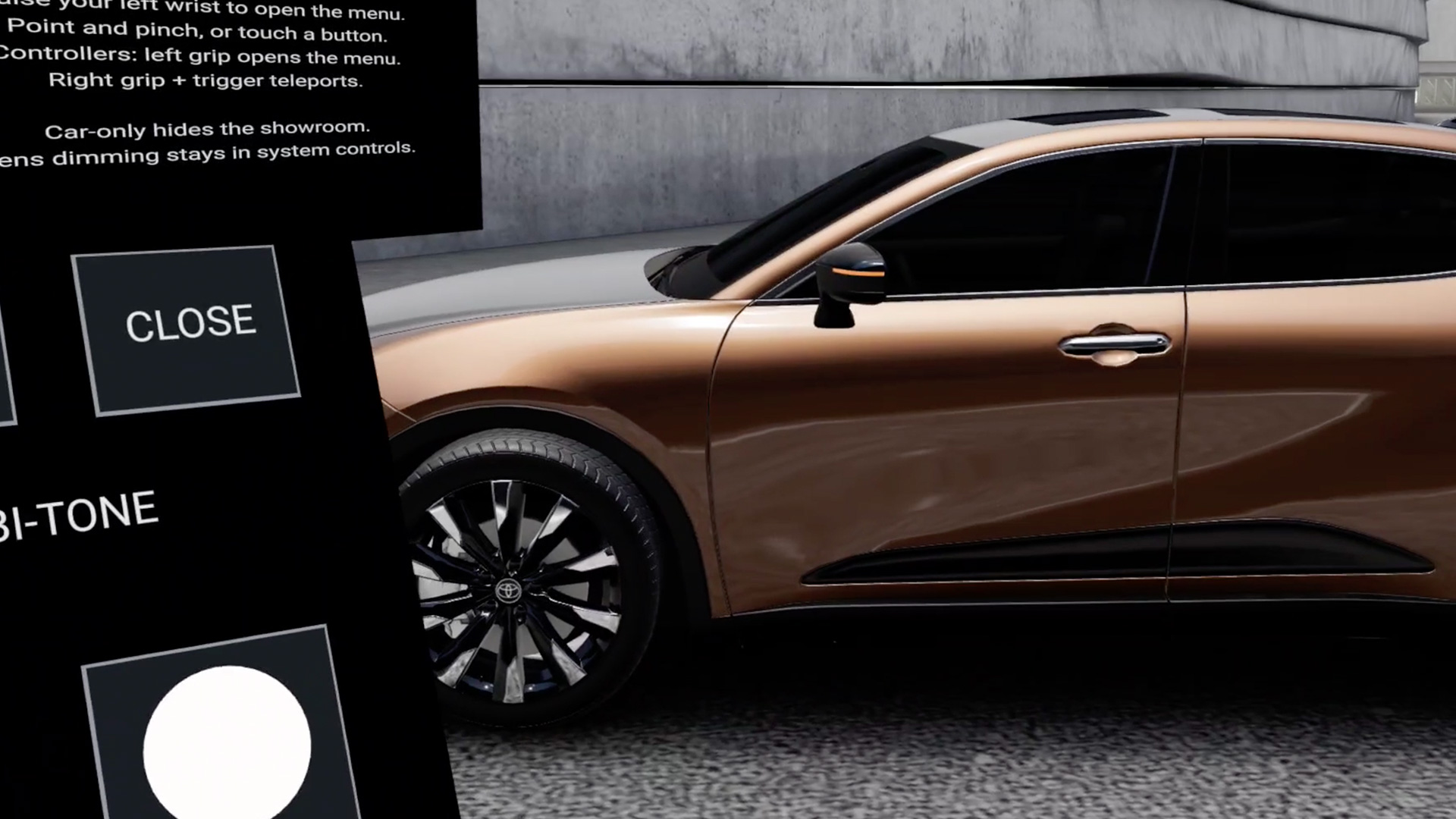
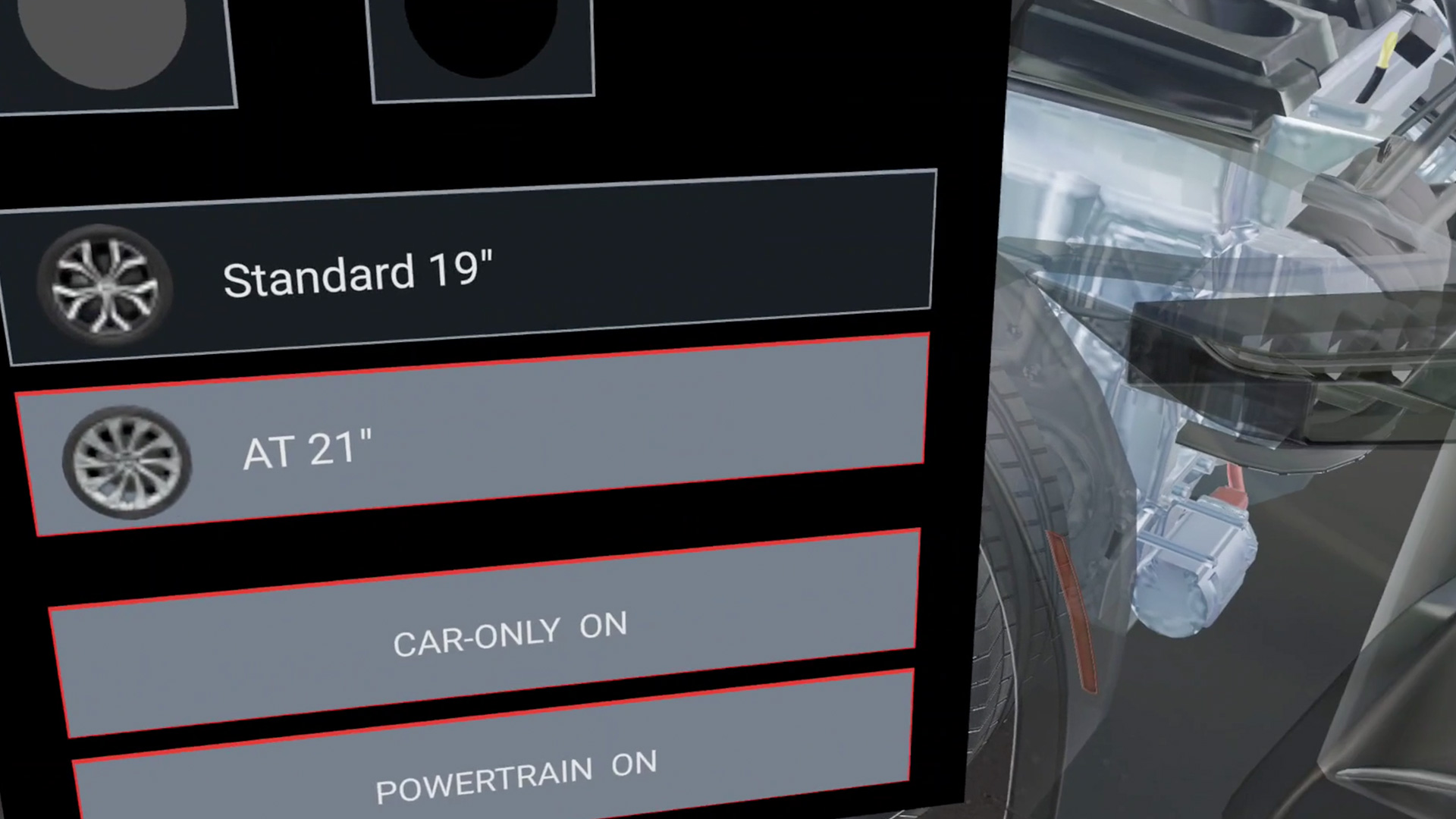
The hand-controlled menu gave us another useful design test. We first attached the panel to the wearer’s hand. We then made a watch-check gesture to open it in a fixed position, letting the wearer lower their arm and focus on a selection. That prototype gives us a starting point for refining gesture timing, menu scale, and placement on the glasses.
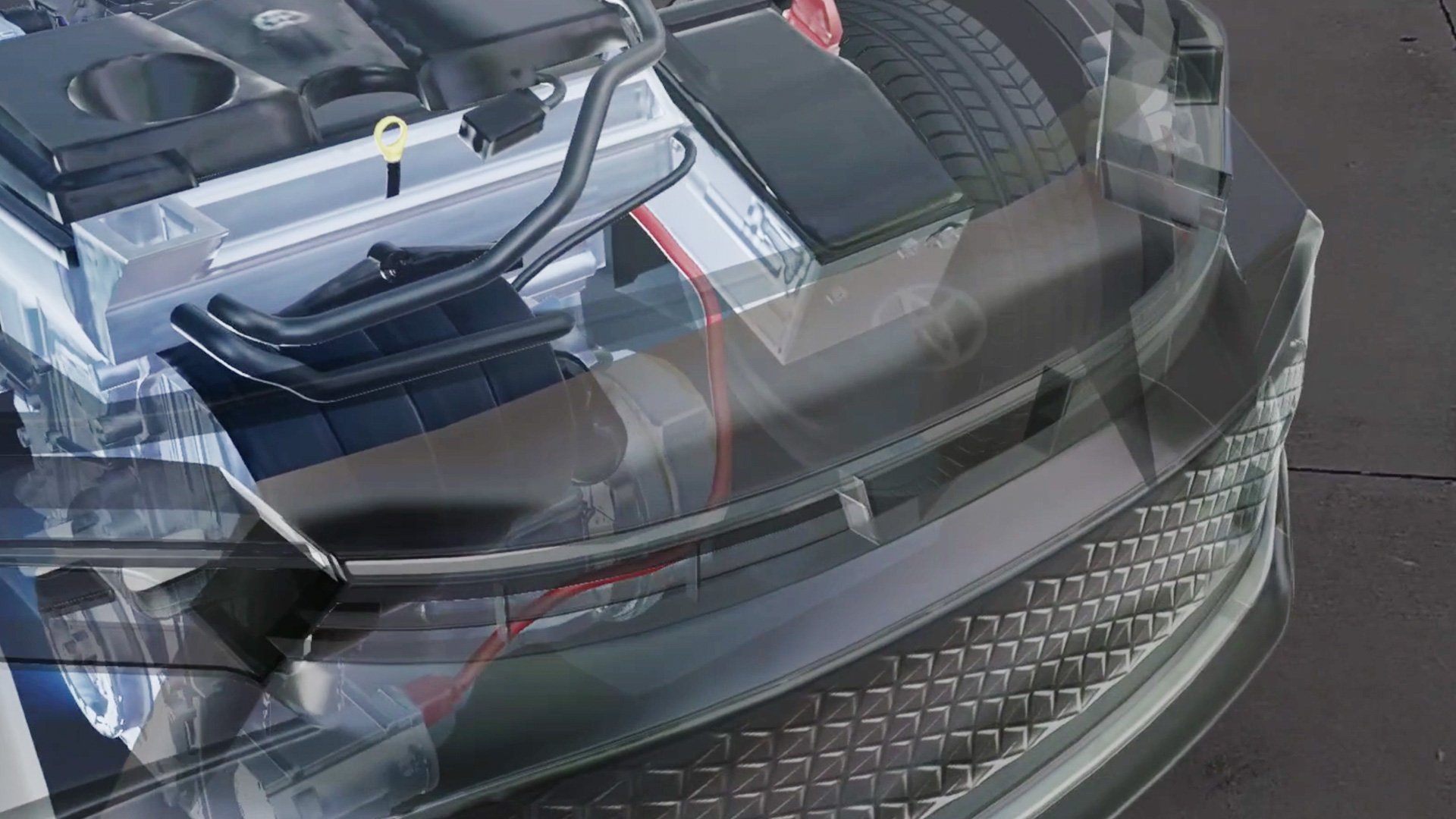
Seeing the high LOD car model on AURA helped us evaluate 3D model fidelity at an immersive scale. We can tune assets for the way people actually see them in the glasses, rather than relying only on a desktop preview.
Testing Android XR Compatibility with Real Builds
We also tried two Android experiences originally developed for other headsets. One hand-tracked build ran after a small adjustment to its APK; another opened without a build change. The first retained its core navigation, including a wrist menu that let a visitor progress through the experience.
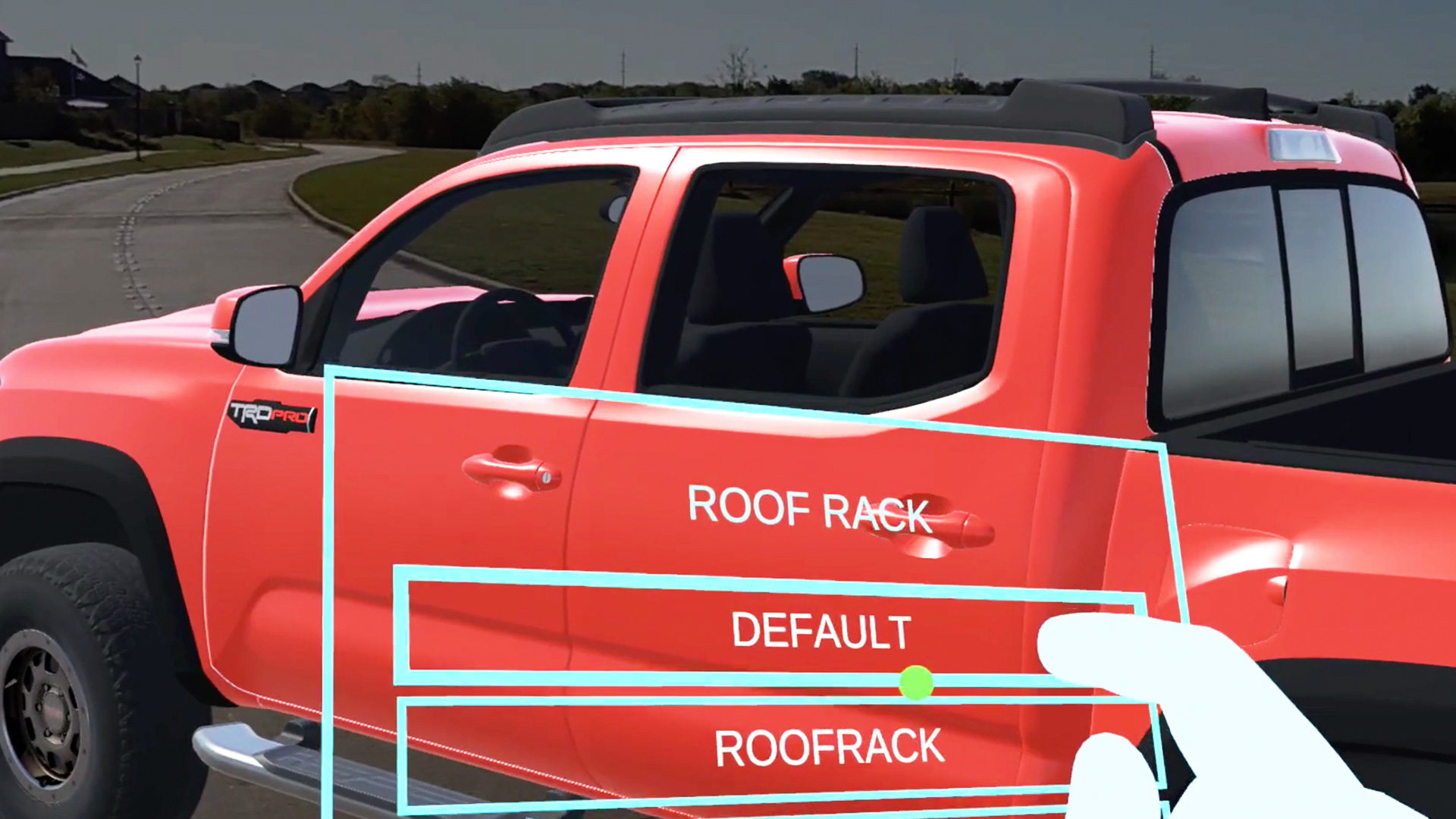
These tests showed how modern-day VR or spatial content can be utilized on the AURA.
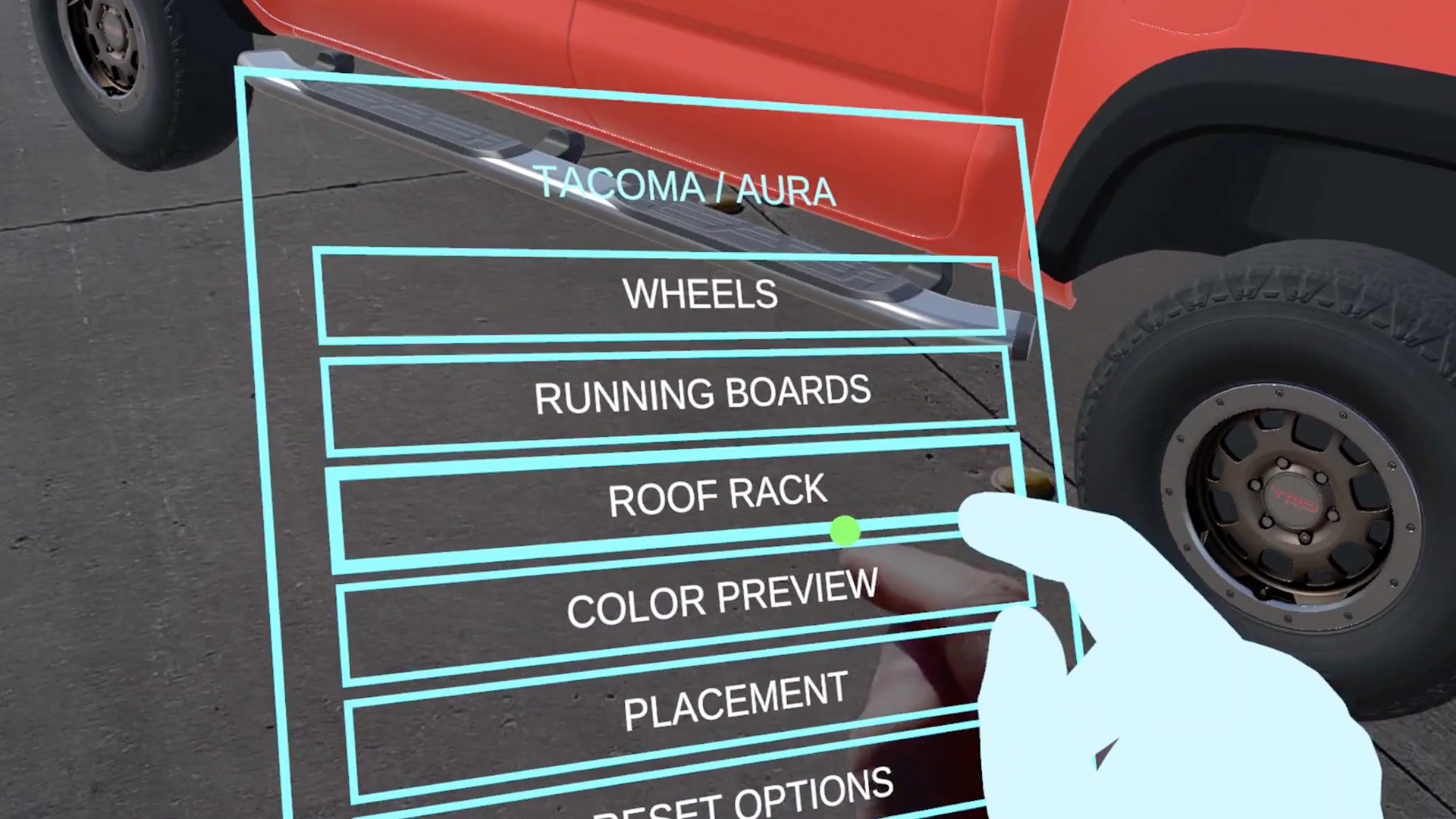
They also helped us identify the interface details worth tailoring to the glasses. In one experience, written directions sat low in the view because the layout had been designed for a headset with a wider visible area.
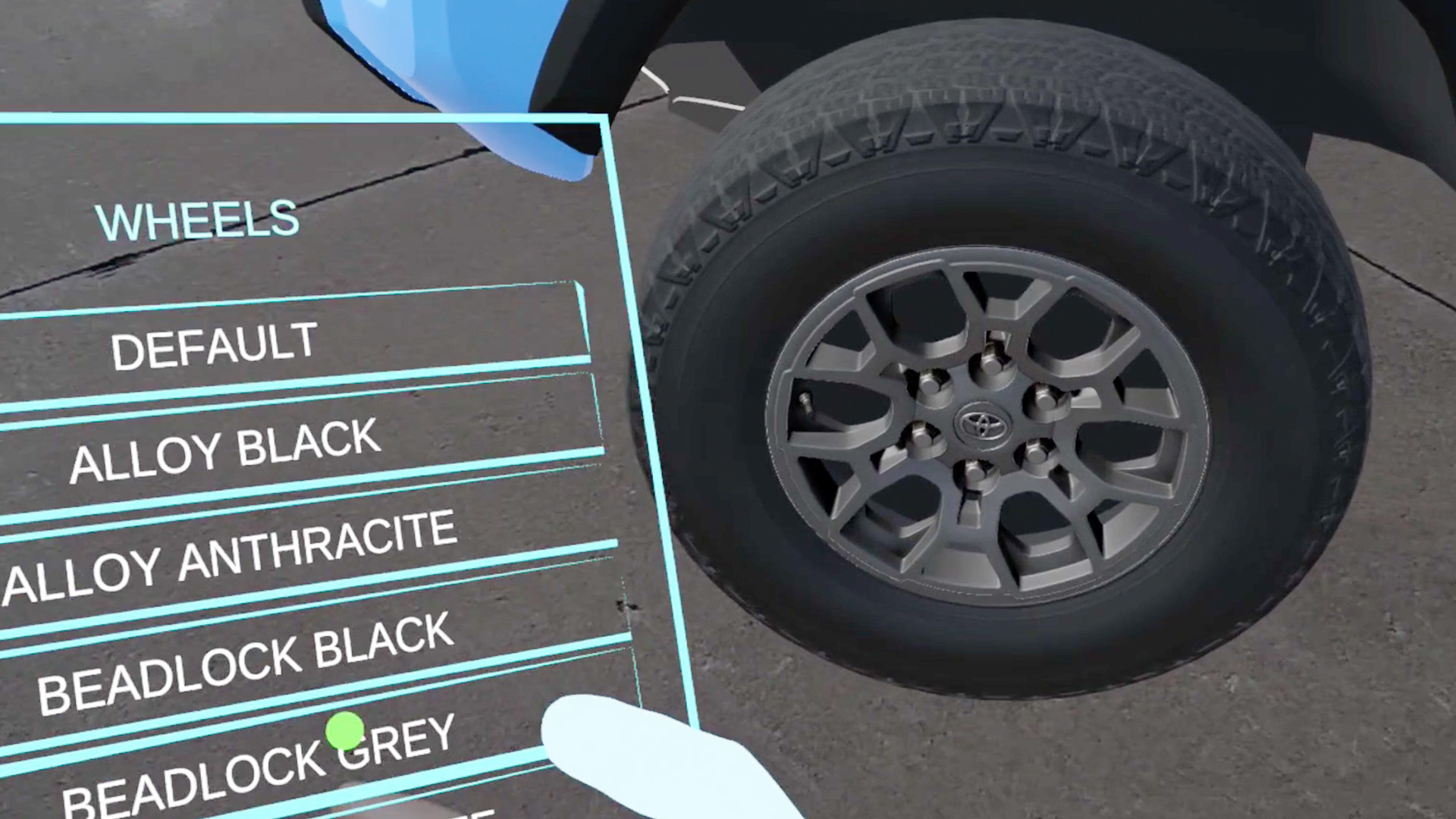
The wrist menu still worked, and we could move the directions higher so every step is easy to read on AURA.
That is the value of testing on the device: we can make platform-specific design choices based on what a wearer actually sees.
A Glimpse at Everyday Spatial Assistance
We also explored AURA as a virtual workspace. With the display partially transparent, we could keep a screen in front of us while still seeing a physical desk and keyboard. The compute puck doubles as a touchpad, offering another way to move a cursor and select content alongside hand input.
Making Conversation Visible – Live Cations
One of Karim’s current experiments began with his mother’s experience of significant hearing loss. He is developing a prototype that transcribes nearby speech and displays readable captions within the glasses, aiming to help someone follow a conversation while keeping the speaker in view. The work raises practical design questions: where should captions sit, how large should they be, and how quickly must they update to be useful? The prototype is still in development, with conversational accuracy, responsiveness, and wearer comfort requiring further testing. Meta has demonstrated live captions and translation on its Ray-Ban Display glasses. Karim’s prototype also connects to Groove Jones’s published AI transcription and translation work.
Other Spatial Assistance Ideas
For a personal side experiment, Karim built a camera-aware cooking assistant. His idea was to ask about a recipe, look at the ingredients at hand, and keep guidance in view while cooking. It is an early prototype rather than a Groove Jones product, but it captures a compelling pattern: the digital interface can stay present while both hands remain focused on the physical task.
We see the same pattern creating opportunities for brands and enterprise teams. Product specialists could place an interactive model in a customer’s space. Technicians could view instructions beside the equipment they are servicing, extending the kind of XR training work we already develop. A remote expert could help someone work through a process with shared visual context. Those applications still need their own pilots, but our AURA tests are helping us answer the design questions behind them: what should remain anchored in the room, what belongs in the wearer’s view, and how should someone act on it with their hands?
Why We Put New Hardware to Work
At Groove Jones, getting our hands on a device is the start of understanding what it can do for an audience. With AURA, we have already run WebXR and Android experiences, adapted controller interactions for hand tracking, tested an optical see-through product view, and identified the interface changes that make content feel at home in glasses. This is all moving towards the future of leveraging Progressive Web Apps (PWAs) which Groove Jones has extensive capabilities with. In an era of “app fatigue” and rigid corporate security, the barrier to entry is the single greatest inhibitor to technology adoption. By shifting from traditional applications to Zero-Install XR and Web-Native Immersive Experiences, we eliminate the friction that stops engagement before it starts and AR glasses are poised to leverage this.
This approach transforms complex XR from a niche IT-managed asset into a universally accessible sales and training tool, ensuring that your content reaches your audience exactly where they are on any device, in any browser, with one click.

Our next step is to refine those prototypes and keep building for the strengths of the platform. That hands-on process connects to the creative technology, sales enablement, experiential, and training work we do for clients: turning emerging hardware into useful experiences for brands, teams, and the people who will wear it.