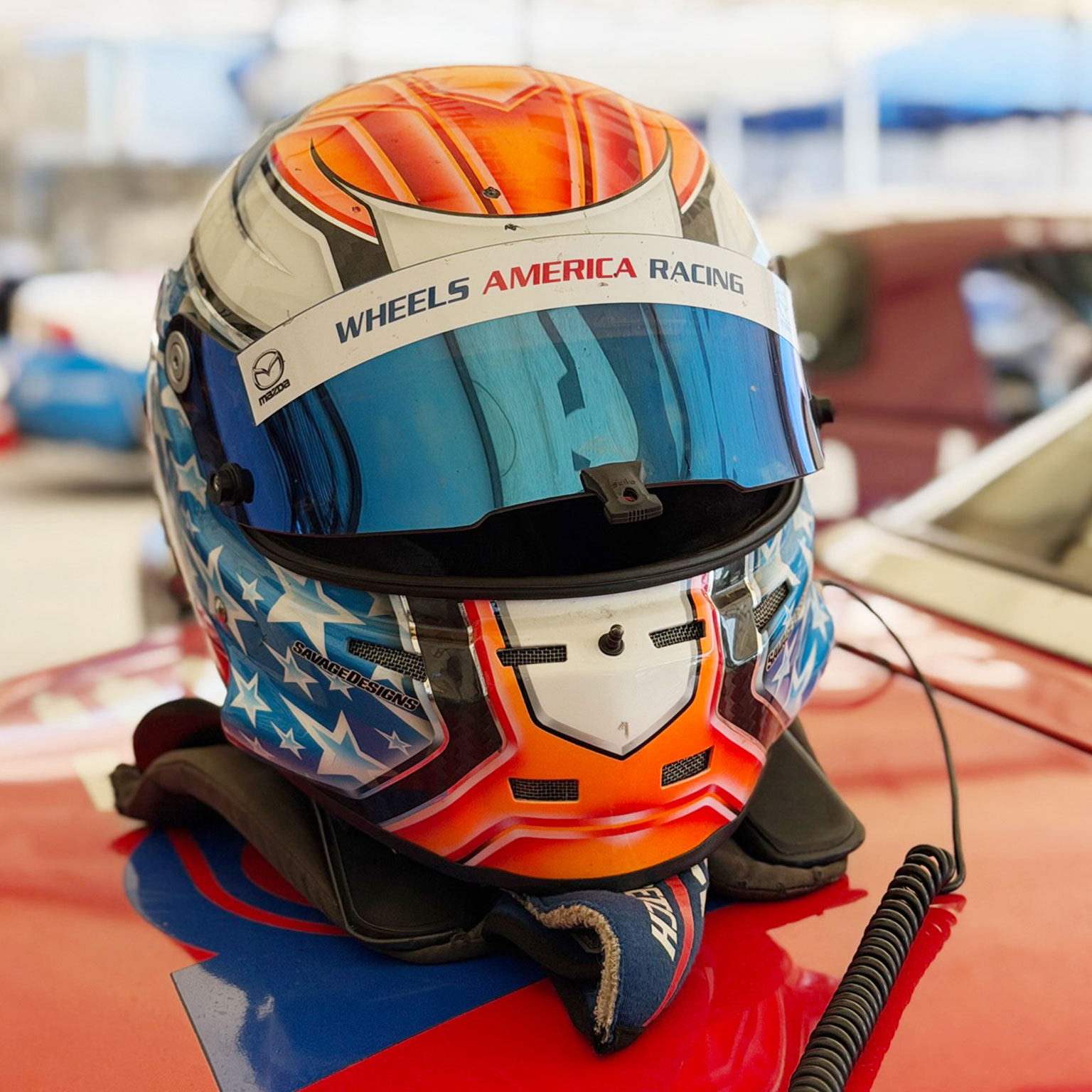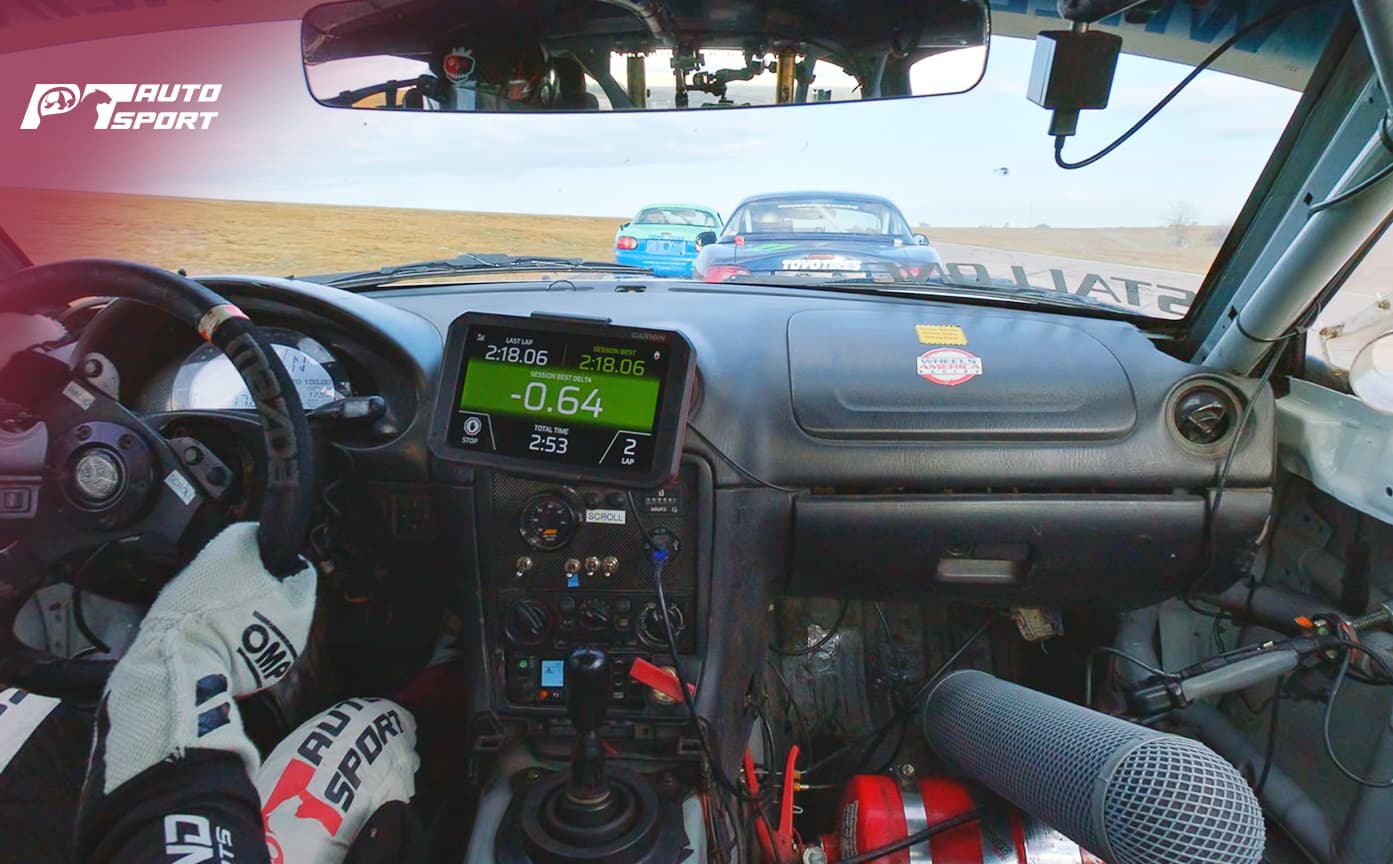




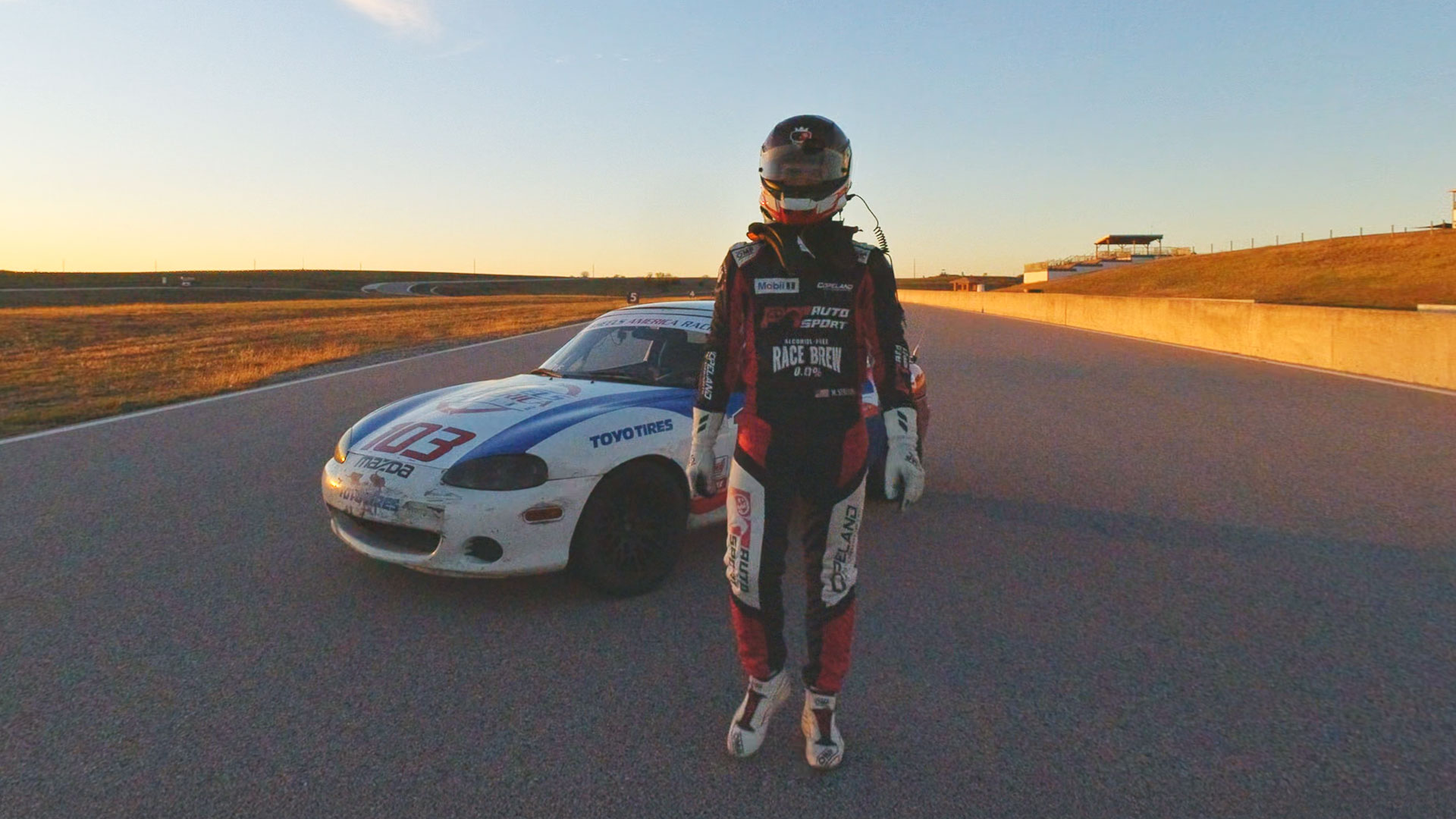
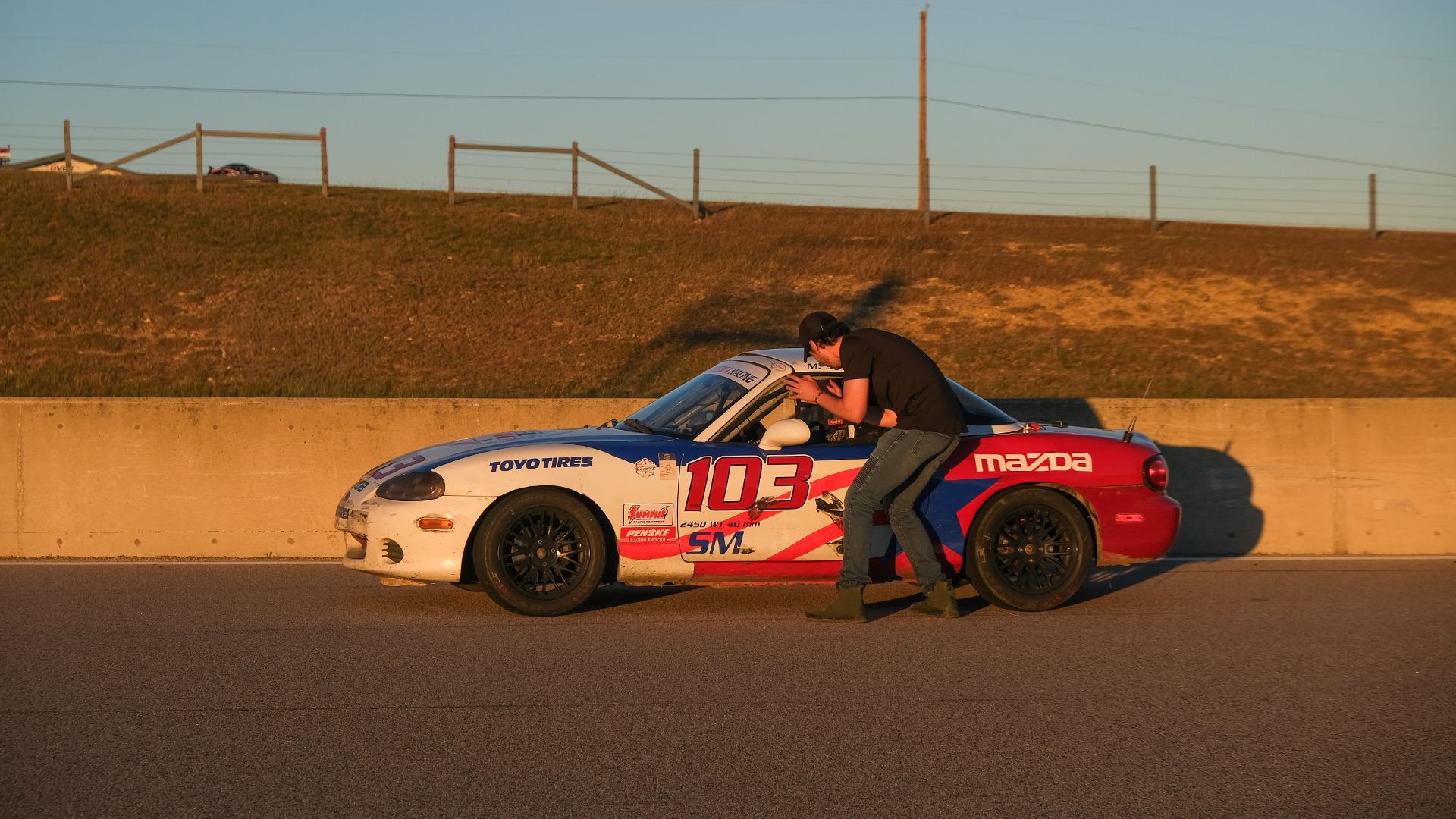
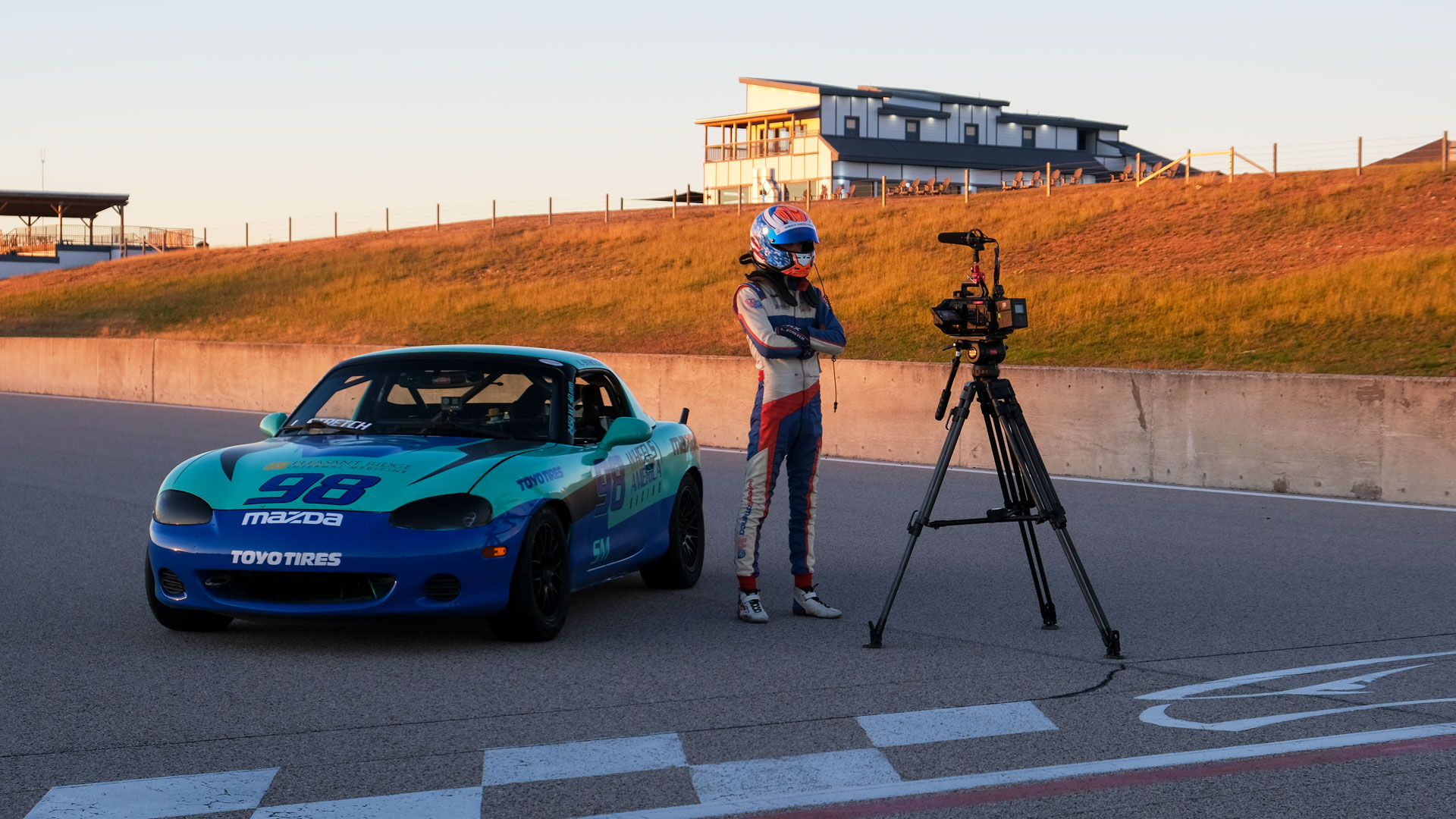
The Groove Jones team traveled to Eagles Canyon Raceway in Decatur, Texas to document racer Max Stallone during the NASA Texas Toy Run race. An Austin-based driver racing with Wheels for America, Max closed out a strong season with a first-place finish in the Spec Miata class, earning additional championship points and scholarships to continue racing. He will be making his professional debut at The Whelen Mazda MX-5 Cup races in the season opener at Daytona International Speedway (Daytona Beach, FL) January 21-23, 2026, with Race 1 on January 22nd and Race 2 on January 23rd, supporting the Rolex 24 weekend.
Max Stallone is a rising star in professional motorsports whose 2026 debut in the Whelen Mazda MX-5 Cup marks a significant milestone for “merit-based” racing careers. At 19 years old, Stallone represents a new generation of drivers who bridge the gap between high-level sim racing and elite asphalt competition, having secured a life-changing $150,000 scholarship by winning the 2025 Mazda MX-5 Cup Shootout. are held at various iconic North American road courses and street circuits, with the 2026 season starting at Daytona International Speedway, and continuing to tracks like the St. Petersburg Street Course, Mid-Ohio, Canadian Tire Motorsport Park, and VIR, concluding at Michelin Raceway Road Atlanta for the Petit Le Mans finale. The series runs as part of IMSA events, showcasing premier sports car racing across North America.
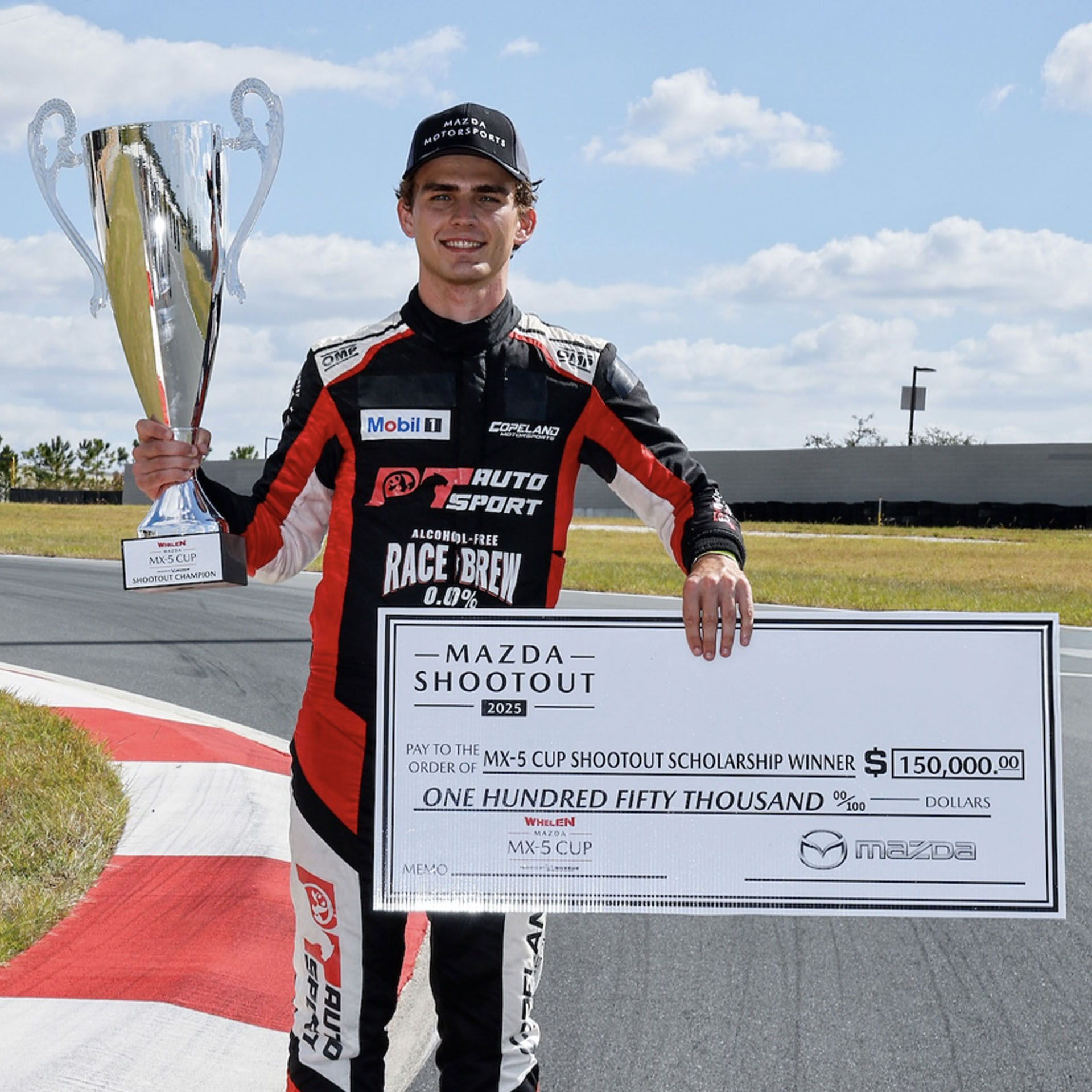
His importance to the sport lies in his role as a flagship athlete for PT Autosport, an organization dedicated to providing professional opportunities to talented drivers who lack the traditional “pay-to-play” funding typically required in racing. By advancing from grassroots Spec Miata events to a professional seat at Daytona, Stallone serves as a powerful proof-of-concept for modern driver development programs that prioritize raw skill and poise over personal wealth.
The Toy Run is traditionally an end-of-season fundraising event benefiting Toys for Tots, but this race still carried points toward the season championship. With rare access granted throughout the weekend, Groove Jones set out to capture both the technical skill required to compete at this level and the team dynamics that support a successful race program.
The Opportunity
Because this race marked the end of the season, the production team was given access that is not typically available during championship events. We were able to film during practice sessions, qualifying, and race day, and mount cameras both inside the car and trackside.
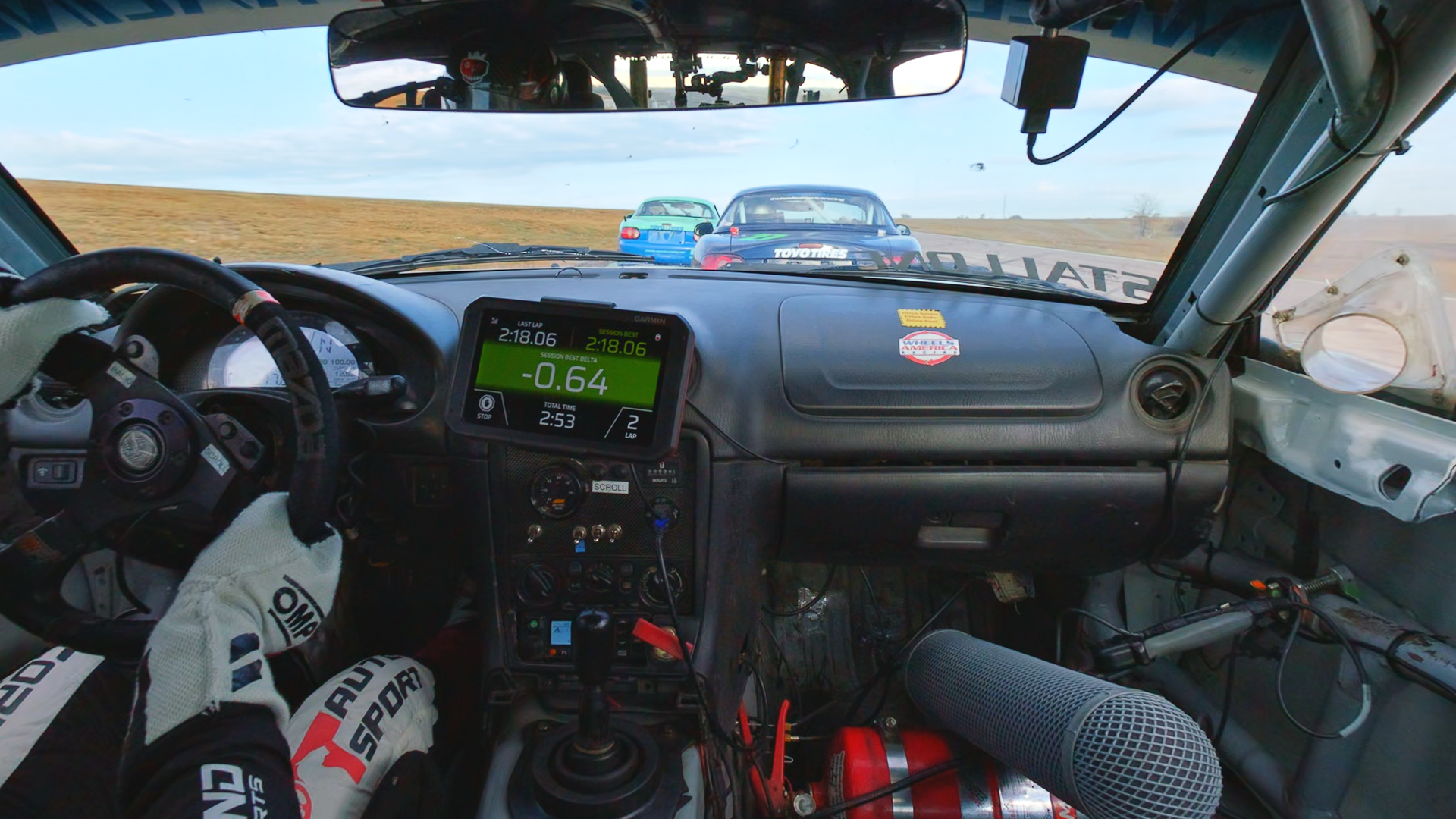
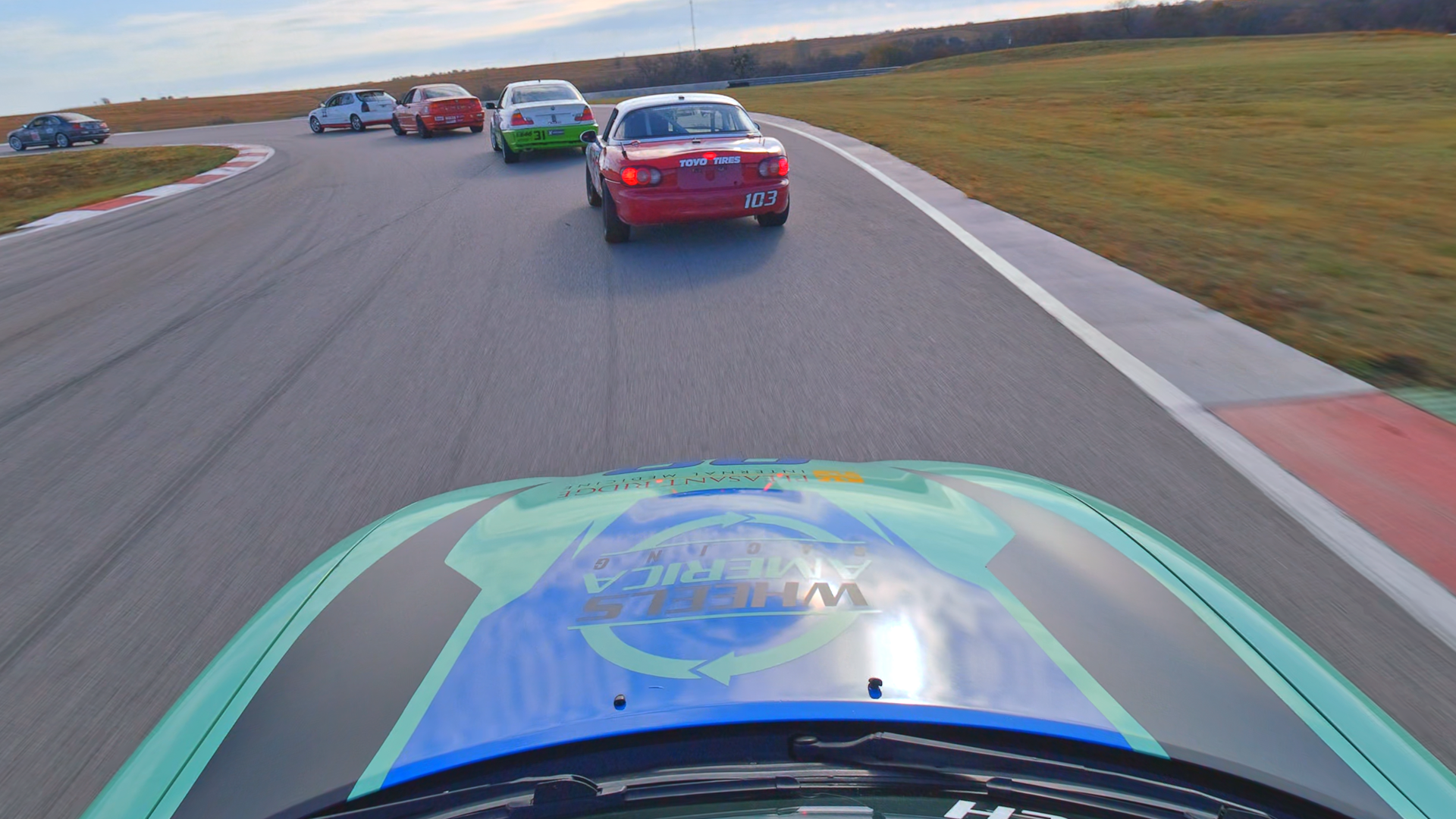
This access allowed us to approach the project as an immersive documentary rather than a traditional race highlight, focusing on the experience of racing as it happens.
Creative Approach
The creative goal was to place the viewer as close to the racing experience as possible without overproducing the story. Rather than relying on race graphics or commentary, the film focuses on real moments from the weekend.
Interviews were captured in garages, pits, and downtime between sessions, featuring Max, his teammate Logan Stretch, their parents, and Carl, the team’s lead mechanic. These conversations provide context around preparation, teamwork, and the realities of racing at a semi-professional level.
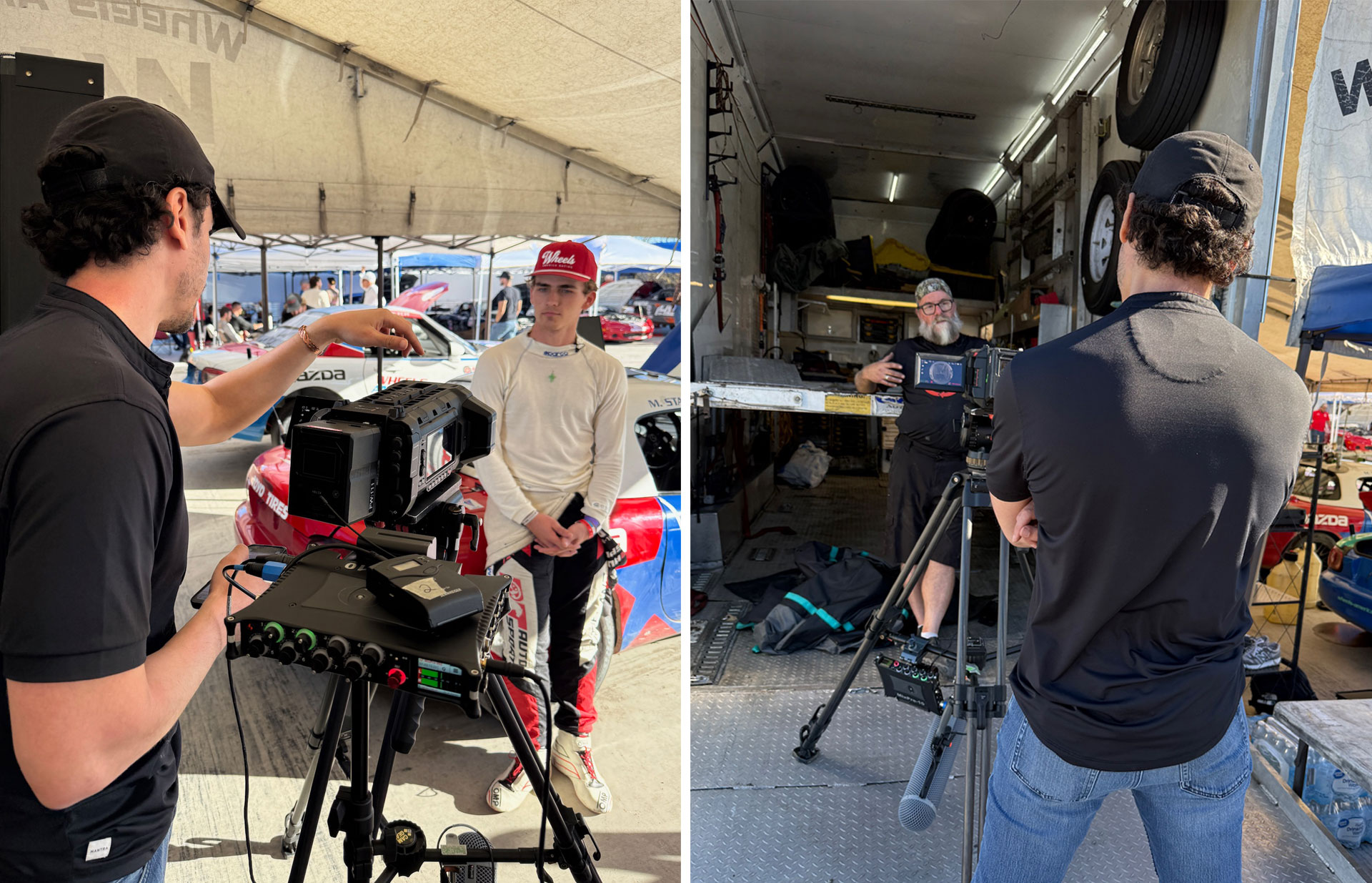
The pacing of the film alternates between interviews and in-car footage, allowing viewers to understand what is happening on track while staying connected to the people involved.
Capturing the Race
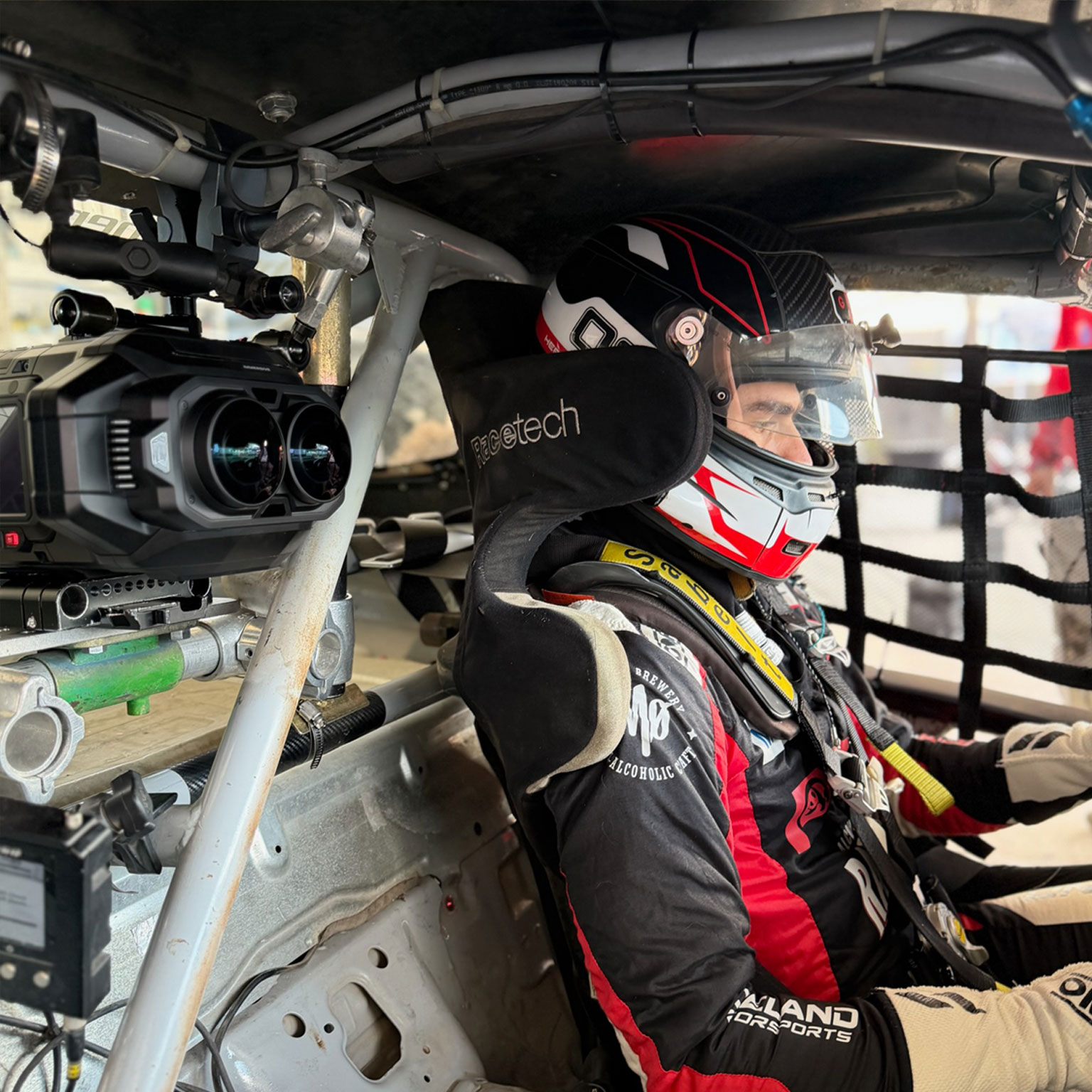
The entire weekend was filmed using the Blackmagic URSA Cine Immersive camera system, co-designed by Apple and Blackmagic Design for Apple Vision Pro. Motorsports moves quickly, and traditional cameras often flatten the sense of speed and proximity. The URSA Cine Immersive allowed us to capture fine detail, accurate color, and smooth motion in a way that holds up even at high speeds.
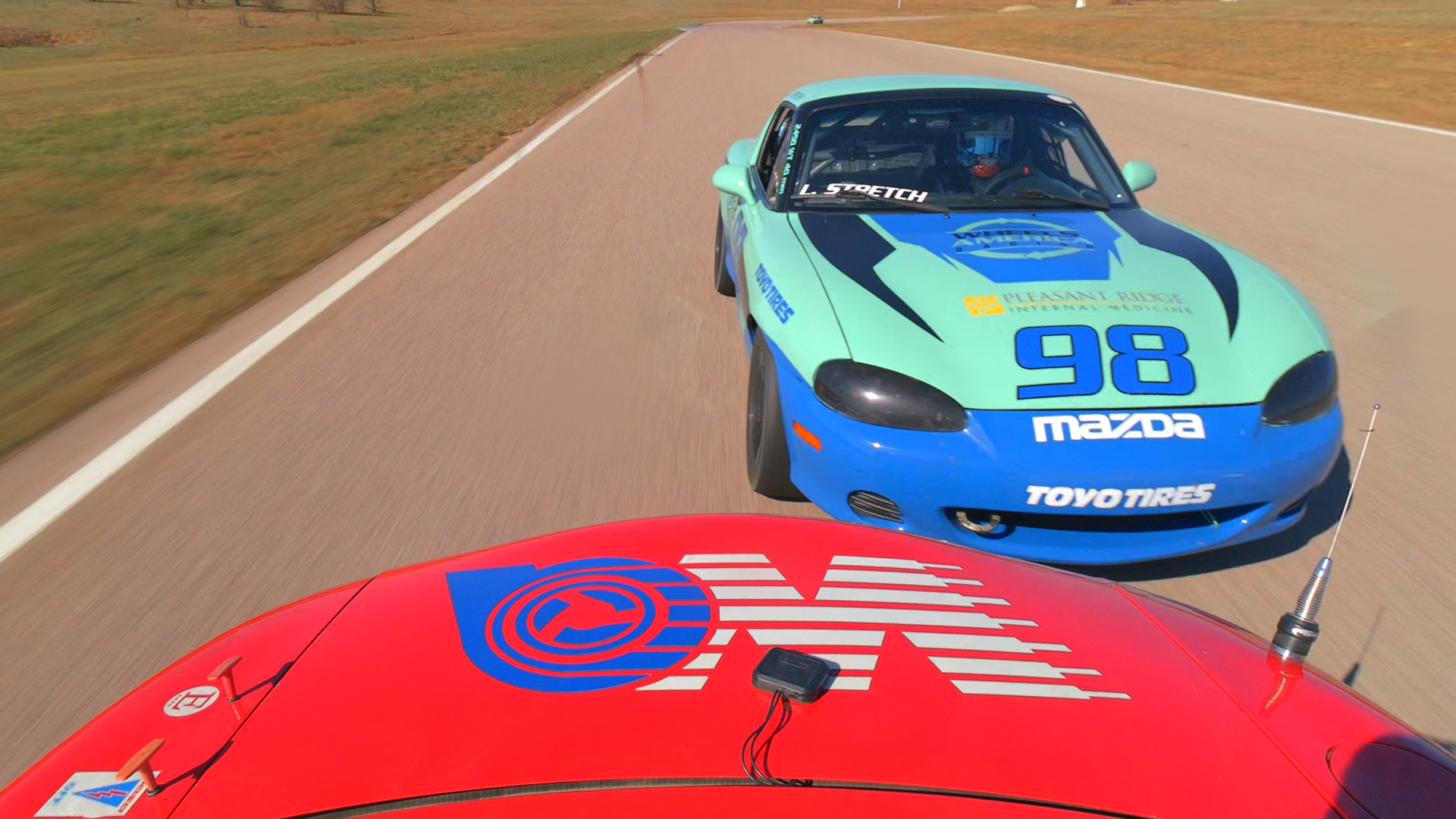
The camera records ultra-high-resolution stereoscopic footage with high frame rates and 12-bit HDR color, preserving both subtle lighting changes and fast-moving action. This level of image quality was especially important when filming inside the car, where lighting conditions shift rapidly and vibrations can quickly degrade lesser systems.
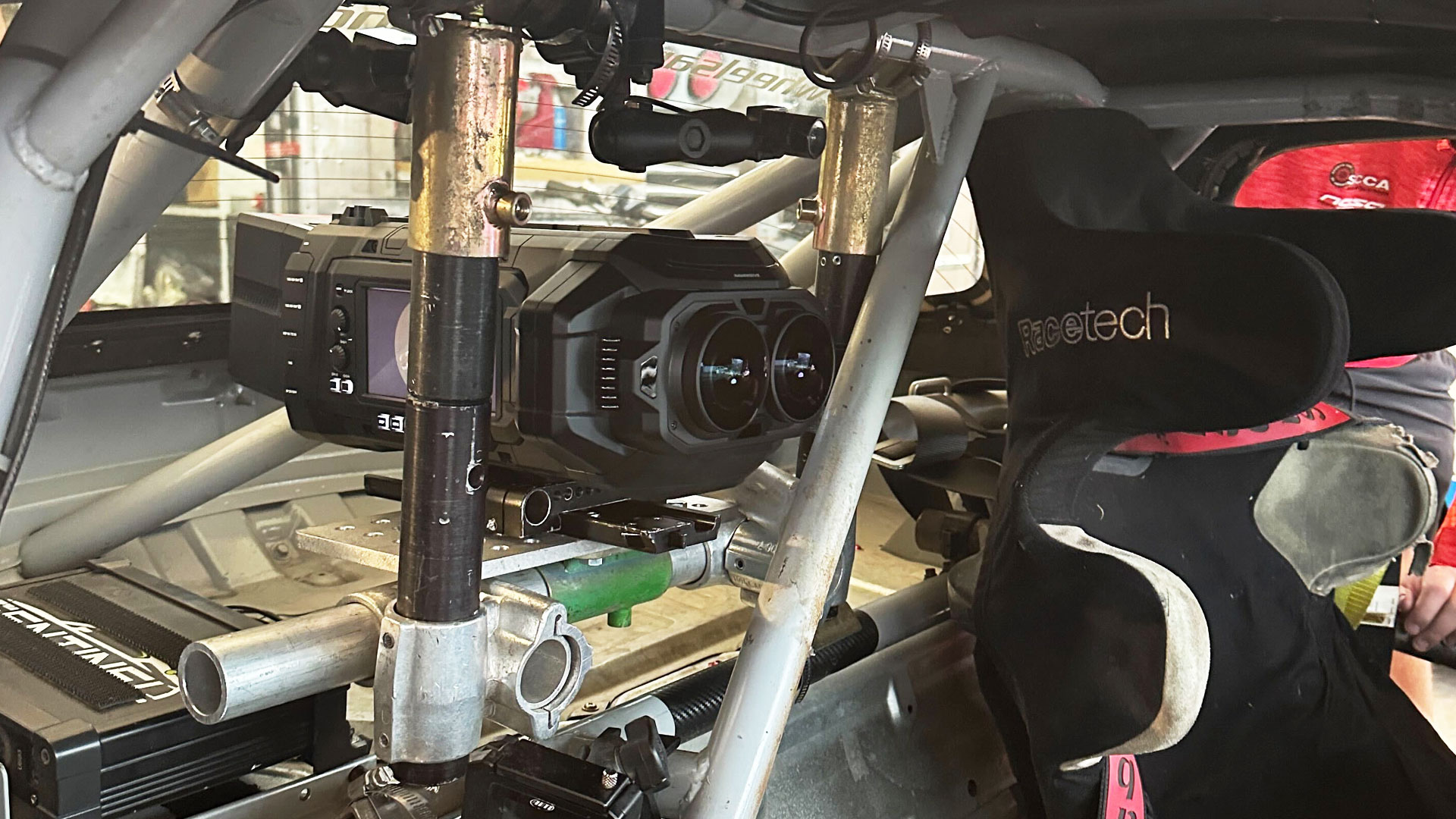
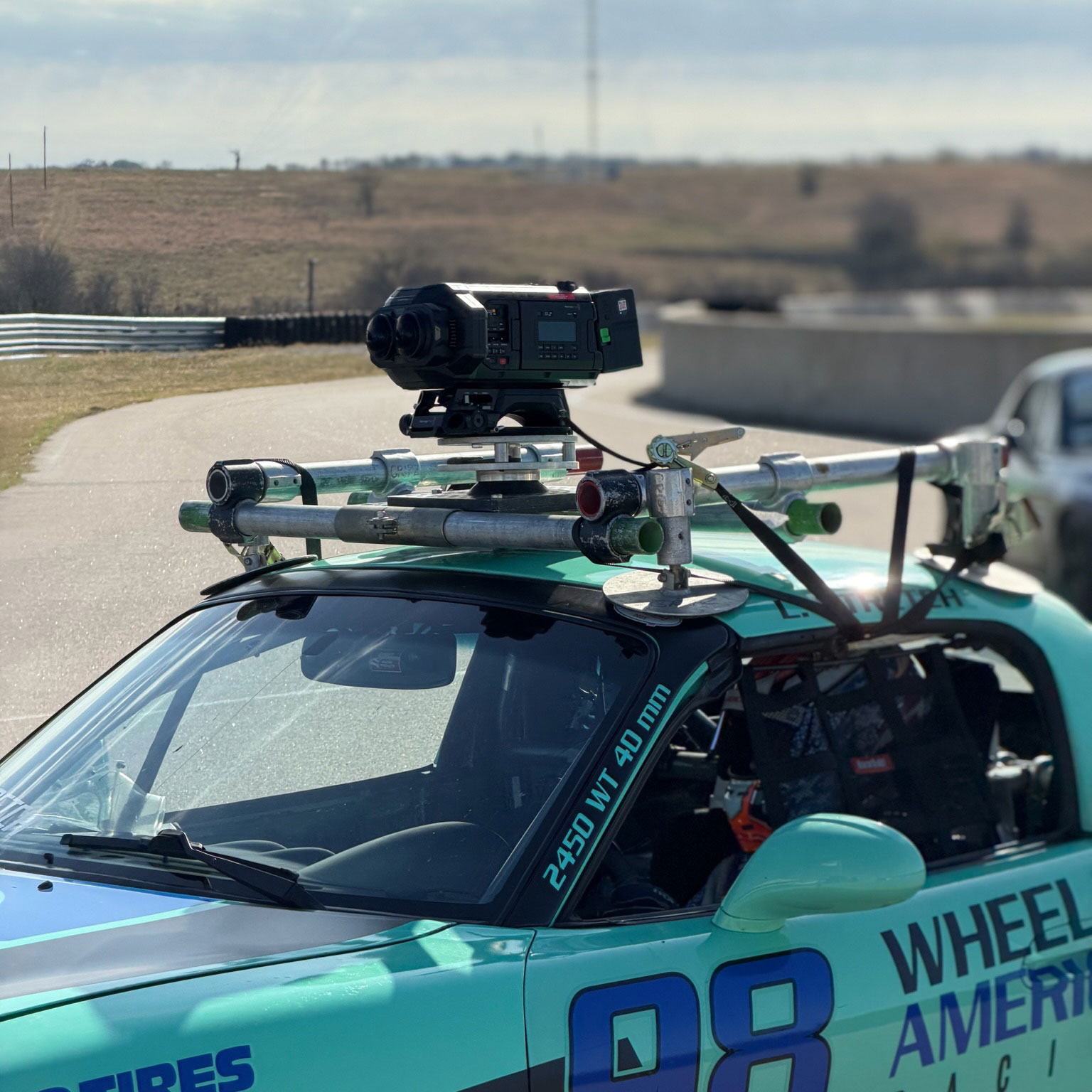
During practice and qualifying sessions, the camera was mounted directly to Max’s Spec Miata, capturing a true driver’s-eye perspective of the track. The system’s resolution and motion clarity helped maintain a sense of depth and realism, particularly when viewed on Apple Vision Pro, where small details like track texture, steering inputs, and relative speed become immediately perceptible.
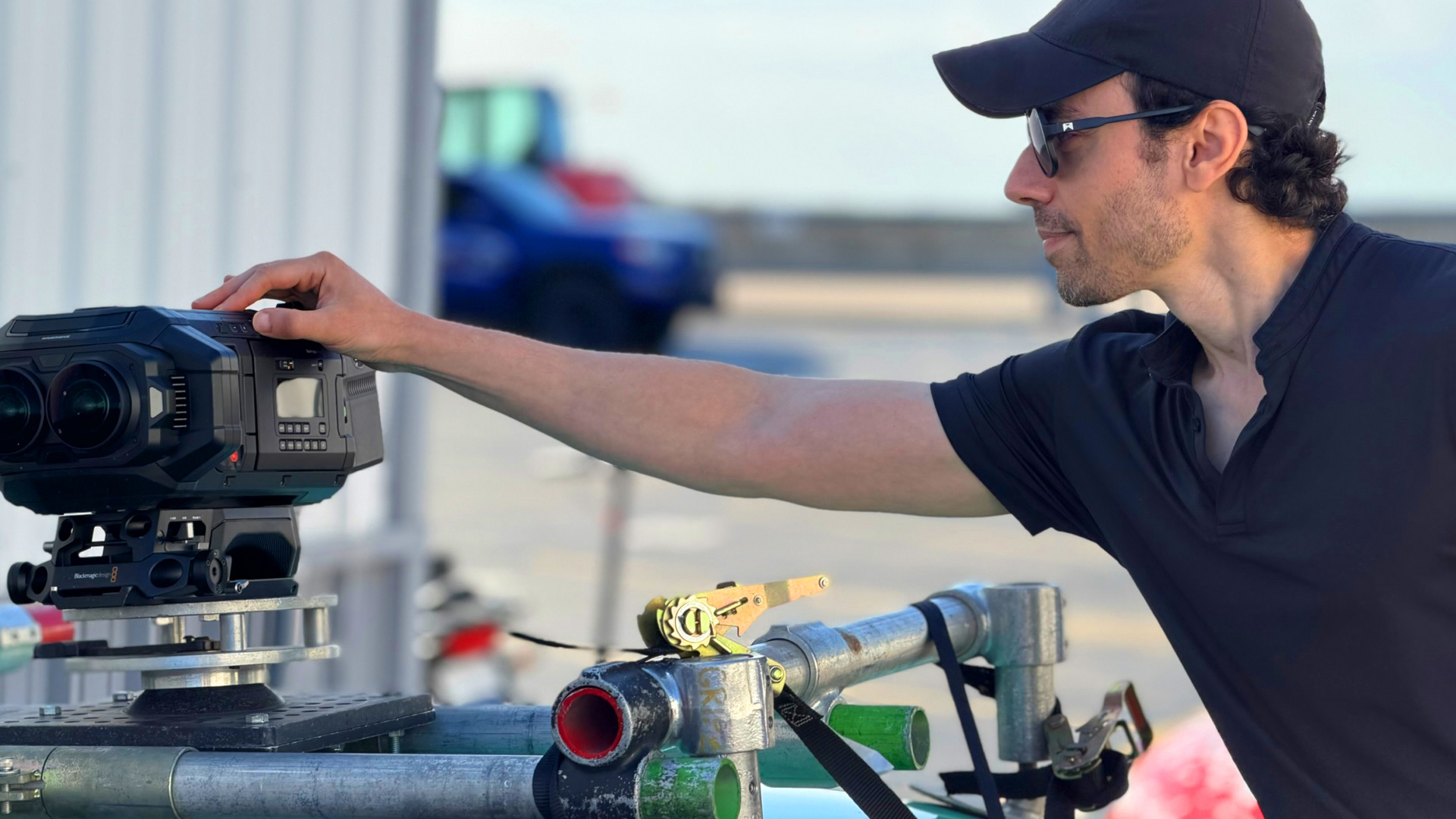
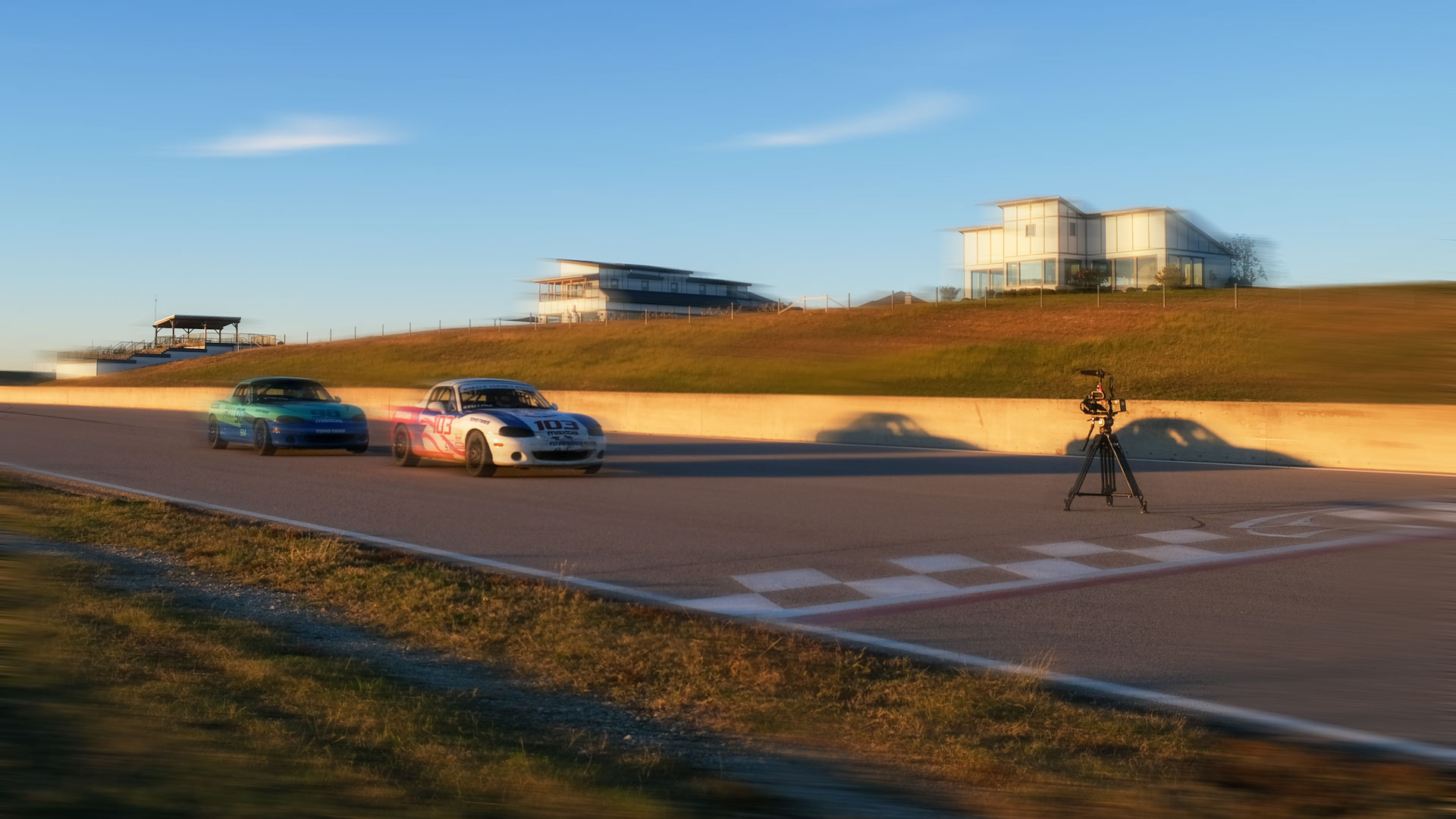
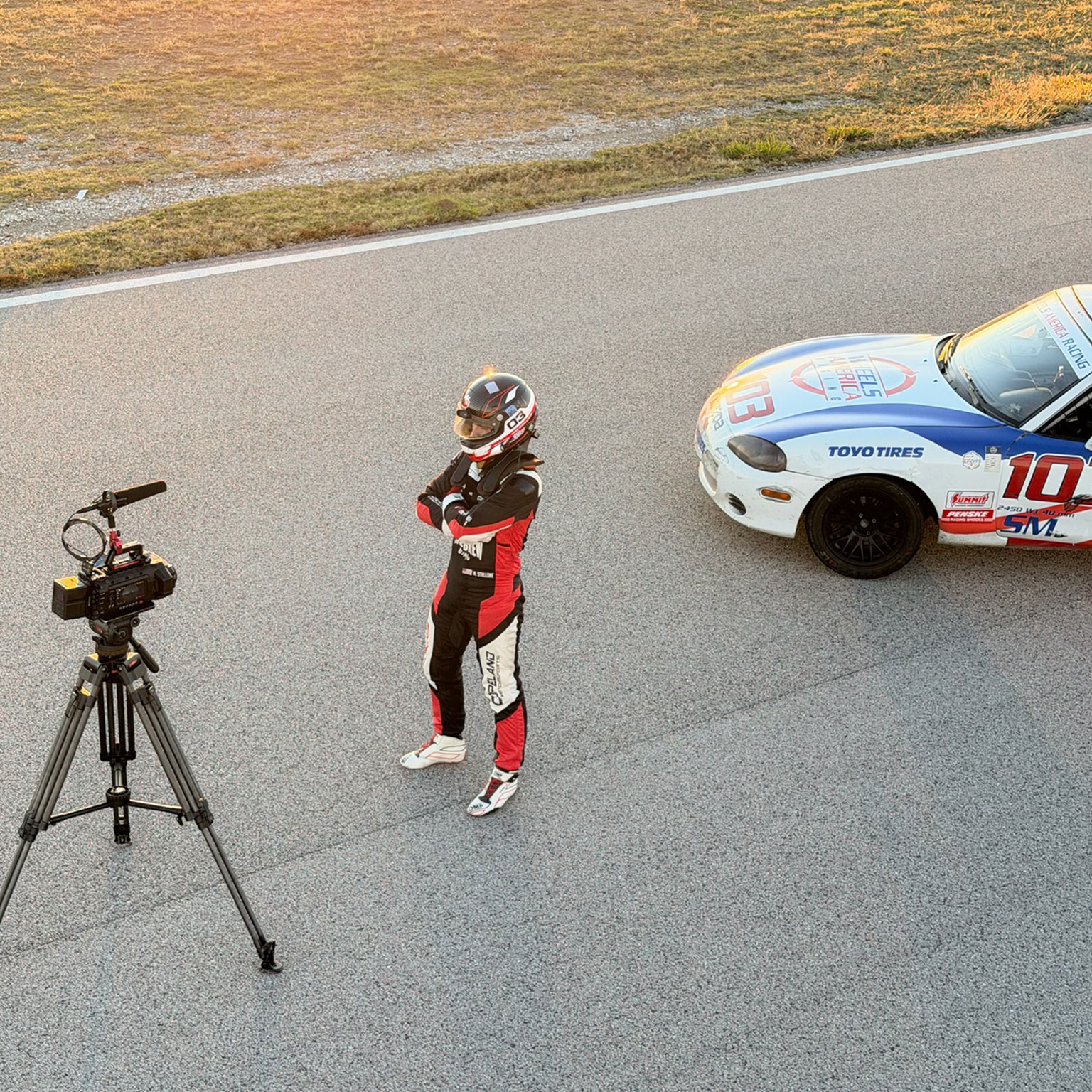
On race day, the camera was repositioned trackside to document the event from an external point of view. This allowed us to balance immersive in-car footage with a broader view of the race environment, creating a clear and grounded record of Max’s performance.
Technical Execution
Mounting an immersive camera system to a race car presents challenges related to vibration, stability, and safety. To address this, Groove Jones hired Richard Ball, an experienced camera rigger who has worked on multiple NASCAR productions.
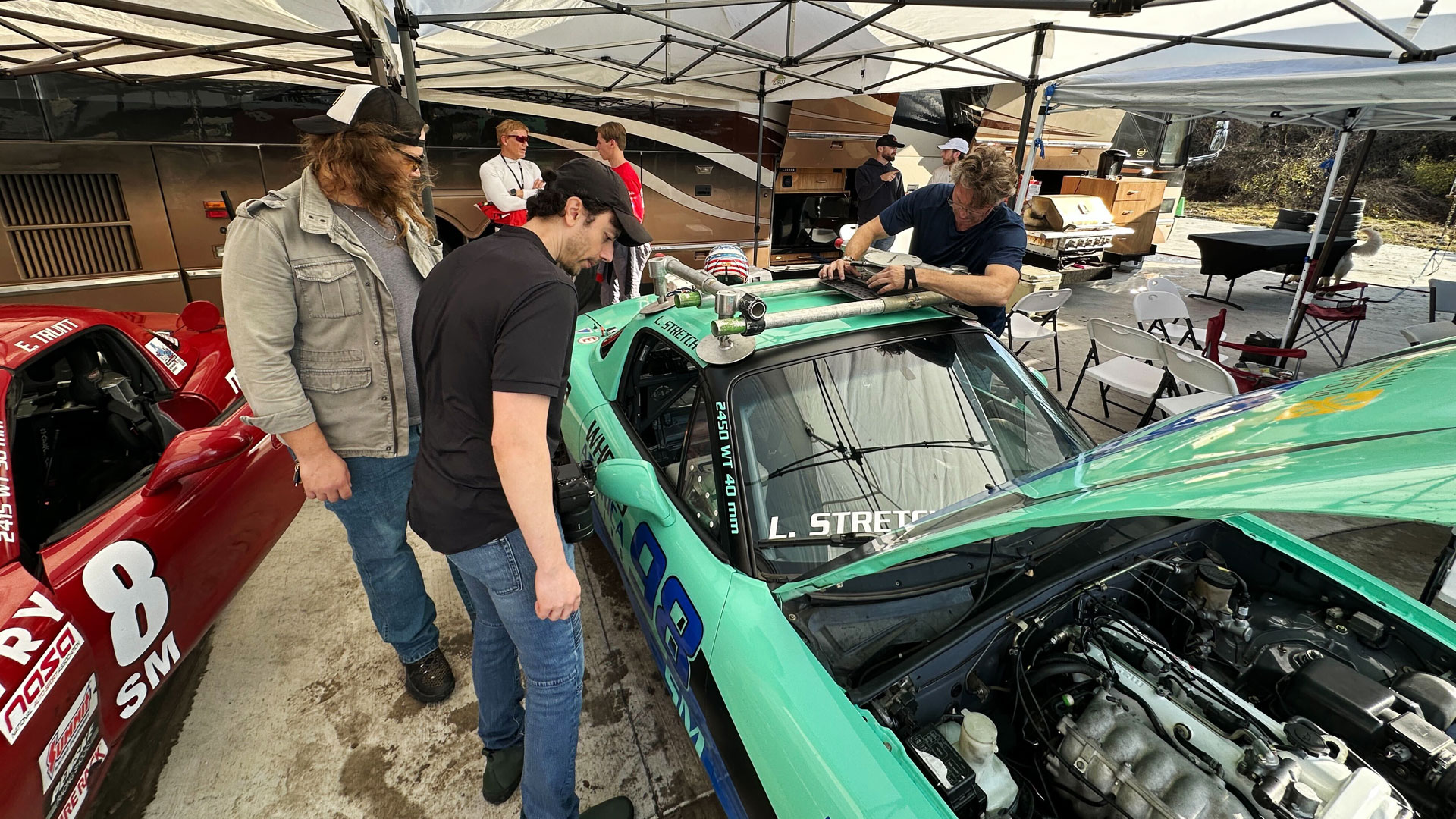
Richard assisted in developing secure mounting solutions and adjusting camera placement throughout the weekend. Each session required small changes to account for speed, track conditions, and safety considerations. Despite concerns around vibration, the footage remained stable and usable, allowing the editorial team to focus on storytelling rather than technical fixes.
Audio
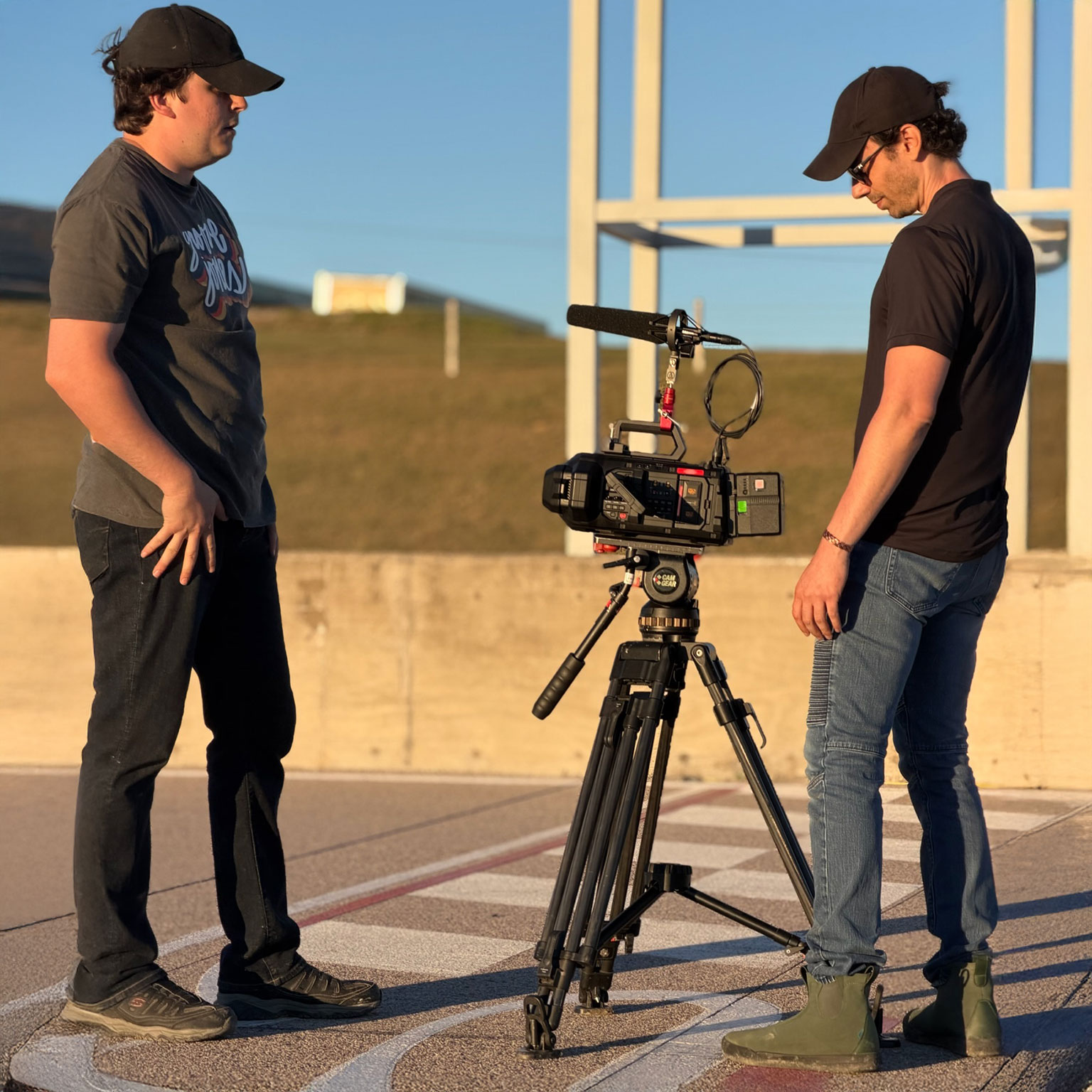
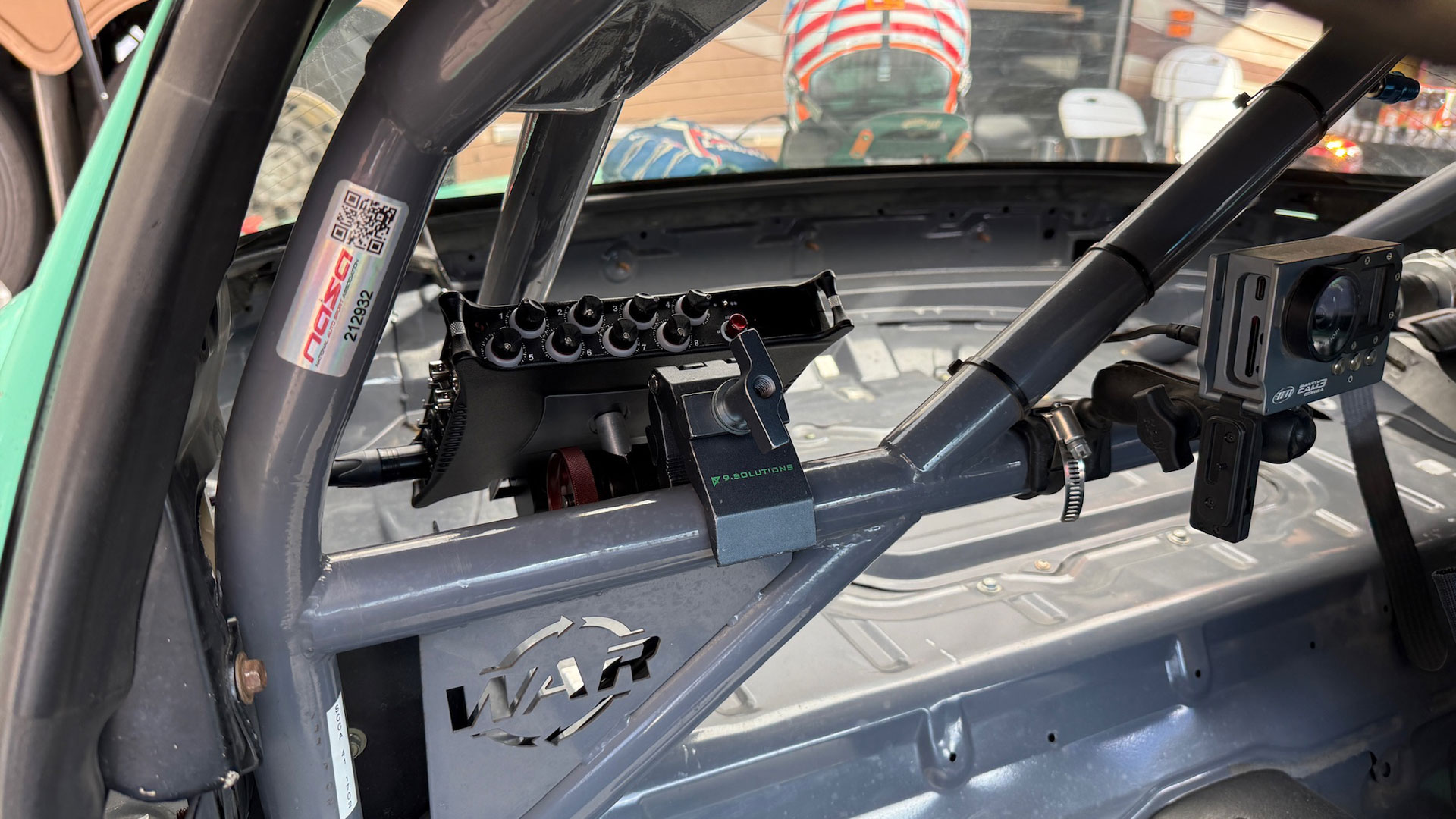
To support the immersive visuals, Groove Jones Audio Lead Andrew Carman recorded ambisonic audio during the race weekend. Using an ambisonic microphone setup, he captured spatial sound from both the car and the surrounding track environment.
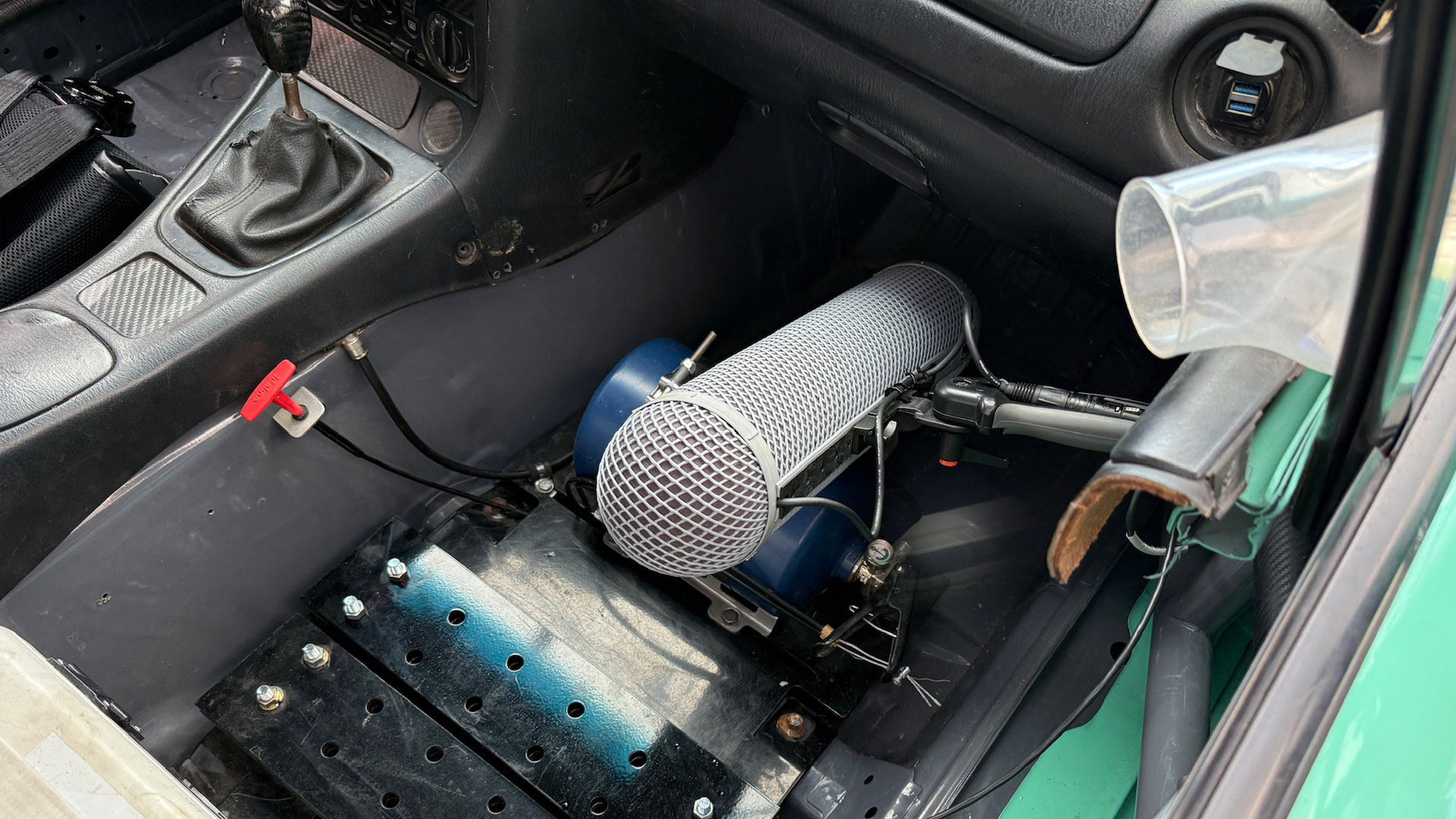
This approach allows engine noise, wind, and track ambience to be positioned naturally in space, enhancing realism when viewed in an immersive format.
Editorial and Story
Karim Youssef, the editorial lead, meticulously crafted the footage into a concise documentary centered around the race weekend. Utilizing multiple camera angles, immersive footage, and interviews, the challenge lay in organizing the material into a coherent and captivating narrative.
The final edit emphasizes progression through the weekend, from preparation and practice through race day, keeping the focus on process rather than spectacle.
Apple’s New Spatial Browsing
Immersive Videos Delivered via WebXR
Apple Vision Pro User? Now you can watch the Apple Immersive Video on Safari via Spatial Browsing and WebXR.
Since the best way to watch the video is on the Apple Vision Pro, device owners can now view it as it was intended to be as a full immersive experience. Groove Jones integrated the experience into a specially built Safari web page using new technology introduced by Apple that they call Spatial Browsing.

Spatial Browsing is a feature in the Safari app on the Apple Vision Pro that transforms standard web pages into an immersive “spatial experiences.” When you enable this feature, it dynamically rearranges web content in your physical space and enhances the visual elements around you. Users with an Apple Vision Pro that are running the latest VisionOS, can click on a link below to view the full immersive experience. For those of you who don’t have an Apple Vision Pro, the page will not load the video, but if you’re curious, this is what Spatial Browsing looks like for Vision Pro users. We have version of the video on YouTube below.,/p>
Vision Pro Users Watch the Teaser Trailer now in Your Safari Browser.
Safari Spatial Browsing Web Link https://www.groovejones.com/max-gpr
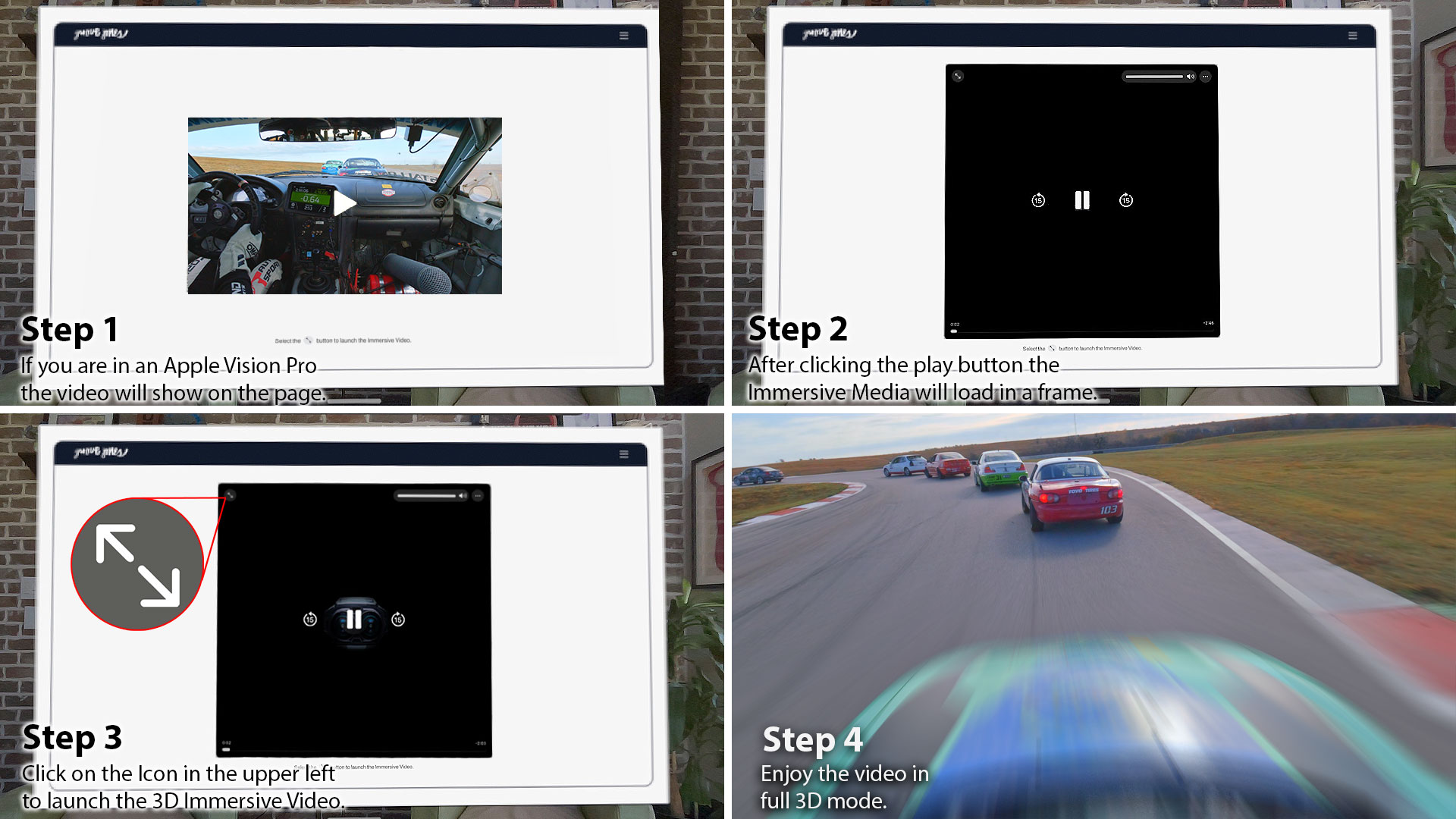
- Step 1: The page will load a web version of the video.
- Step 2: After tapping the Play Button on the video thumbnail it will load the Immersive Video.
- Step 3: Once the Immersive Video loads, click the icon in the upper left hand corner to launch full screen.
- Step 4: Enjoy the video.
Check Out the Teaser Trailer Video on YouTube
We created multiple versions of the video to be playable on different platforms and owned media channels. Our GrooveTech Media Server accounts for the HDR color space of the Apple Immersive format, so this version has been updated to account for YouTube’s color spectrum capabilities, which is much less. On YouTube, you can see the 180º video below via the web on your desktop or mobile device.
The Orchestrator Platform for Demonstrating Immersive Media on APVs
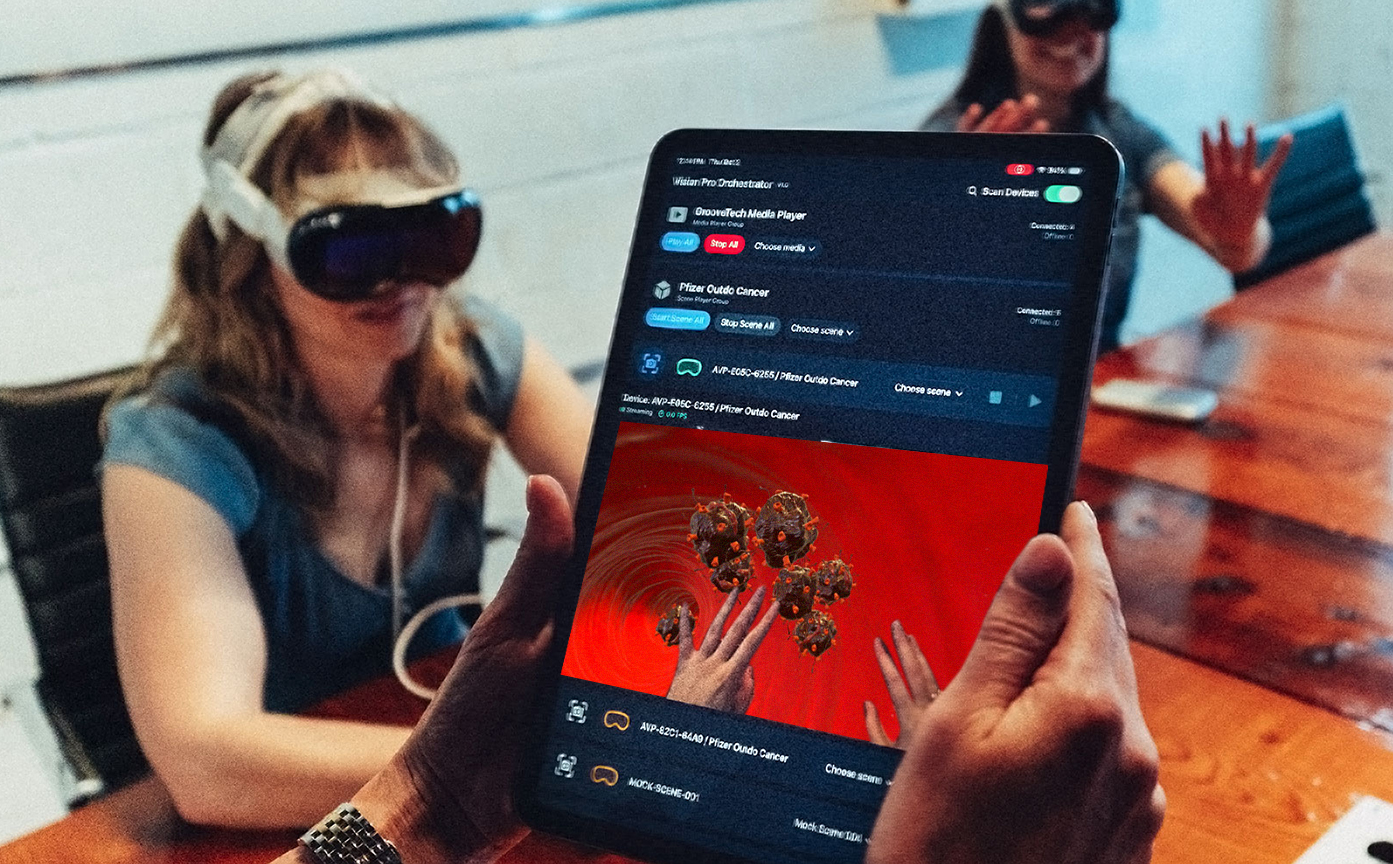
Spatial computing becomes far more powerful when it can be shared. The Orchestrator Platform makes that possible by giving teams a way to deliver synchronized experiences across many Apple Vision Pro headsets with simple, centralized control. It removes friction, eliminates setup headaches, and provides a secure pathway for training, simulation, broadcast review, and executive presentations. Designed for individual and group training, live events, brand activations, and enterprise-scale deployments, these products work together to give product managers, trainers, and producers unprecedented control over how audiences engage with immersive media.
Most immersive tools are built for a single user. Enterprise teams, training providers, marketing and government agencies need something different. They need a way to move many people through content quickly, without wrestling with calibration steps or device menus. They need a system that survives hardened networks, disconnects, and real world chaos. Orchestrator is built for those environments. It has already passed corporate IT security reviews without modification. It has been tested with multi device groups where reliability and repeatability were essential. And it gives operators full confidence that everyone in the room is seeing the same thing at the same moment.
Learn about The Orchestrator Platform and how you can use it for your next AVP demo or deployment – https://www.groovejones.com/orchestrator-platform-apple-vision-pro